Save Game Thumbnails – SFSE v2.0
About this mod:
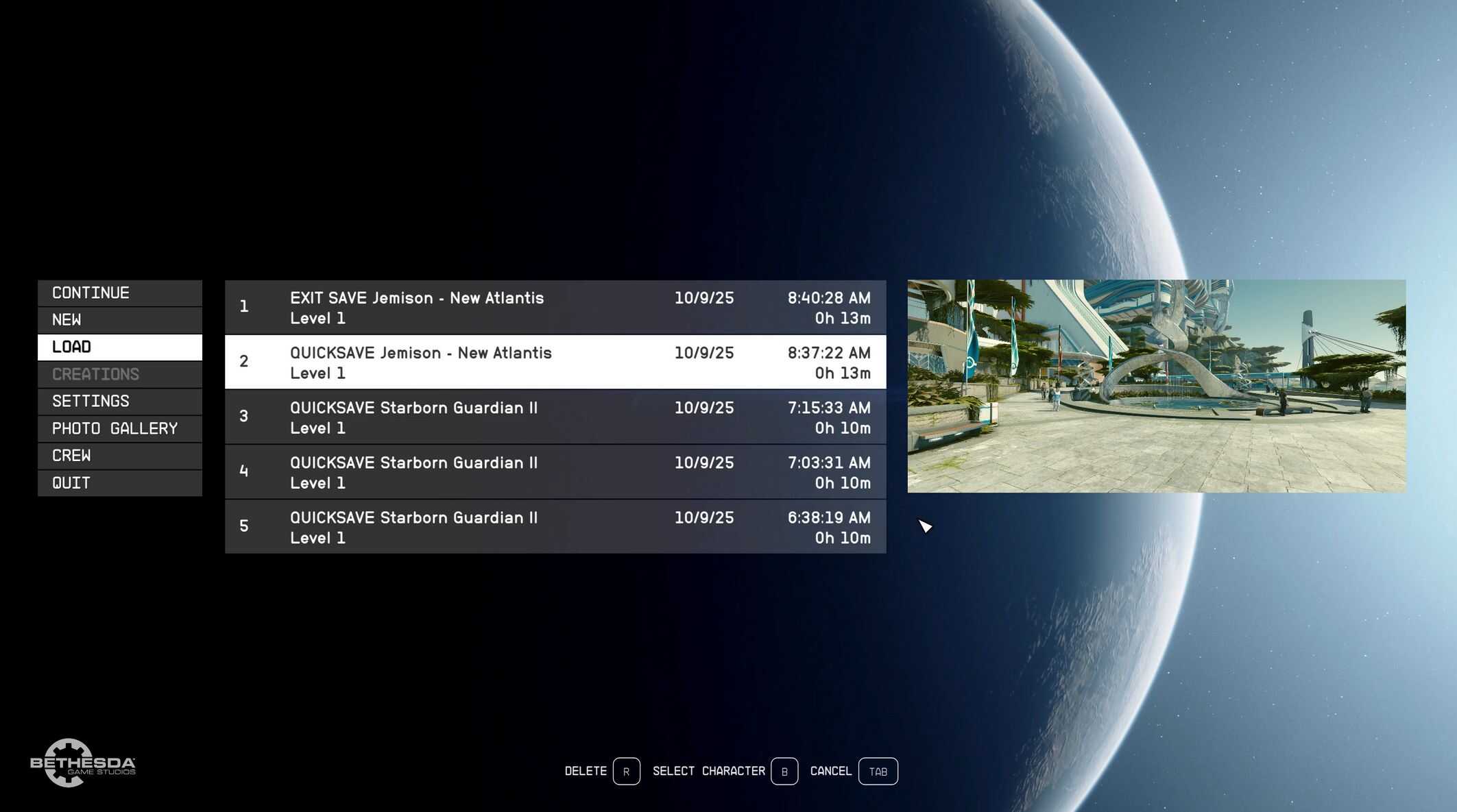
Creates .png thumbnails for save games and renders them in the Main Menu and the Pause Menu.
Save game content is not modified or read. The SFSE plugin requests the vanilla code to take a screenshot when saving.
The images (.png files) are saved to Documents\My Games\Starfield\Saves\Thumbnails.
The mod doesn’t only come with an SFSE plugin; the .png renderer is in a separate file (mostly to prevent the mod from breaking completely if the vanilla renderer is altered by a game update). It is in the same folder where the settings INI.
Save and delete thumbnails:
Pressing Print Screen while the rendered image is visible creates a copy of the image to the Photo Mode library folder (Documents\My Games\Starfield\Data\Textures\Photos).
Pressing the Delete key deletes the thumbnail (only from the Thumbnails folder, i.e. if it was previously saved with Print Screen, the one in the Photo Mode library will not be removed).
Settings INI:
Optional INI file to change mod settings (rendered image size, menu toggle, save and delete feedback sounds and hotkeys).
The Settings INI can be downloaded separately, it’s not included with the main mod file.
Compatibility and limitations:
Does not support Exitsaves and saves with custom names currently.
(Saves with custom names are usually created with a console command).
Supports English interface language only.
Thumbnails can be created only for save games made after installing the mod.
The renderer was tested on 16:9, 16:10 and 21:9.
The mod doesn’t come with a custom UI. In theory, it should be compatible with UI mods.
(It’s been tested with the Acrylic Pause Menu from Starfield Engine Fixes).
Required:
Starfield Script Extender