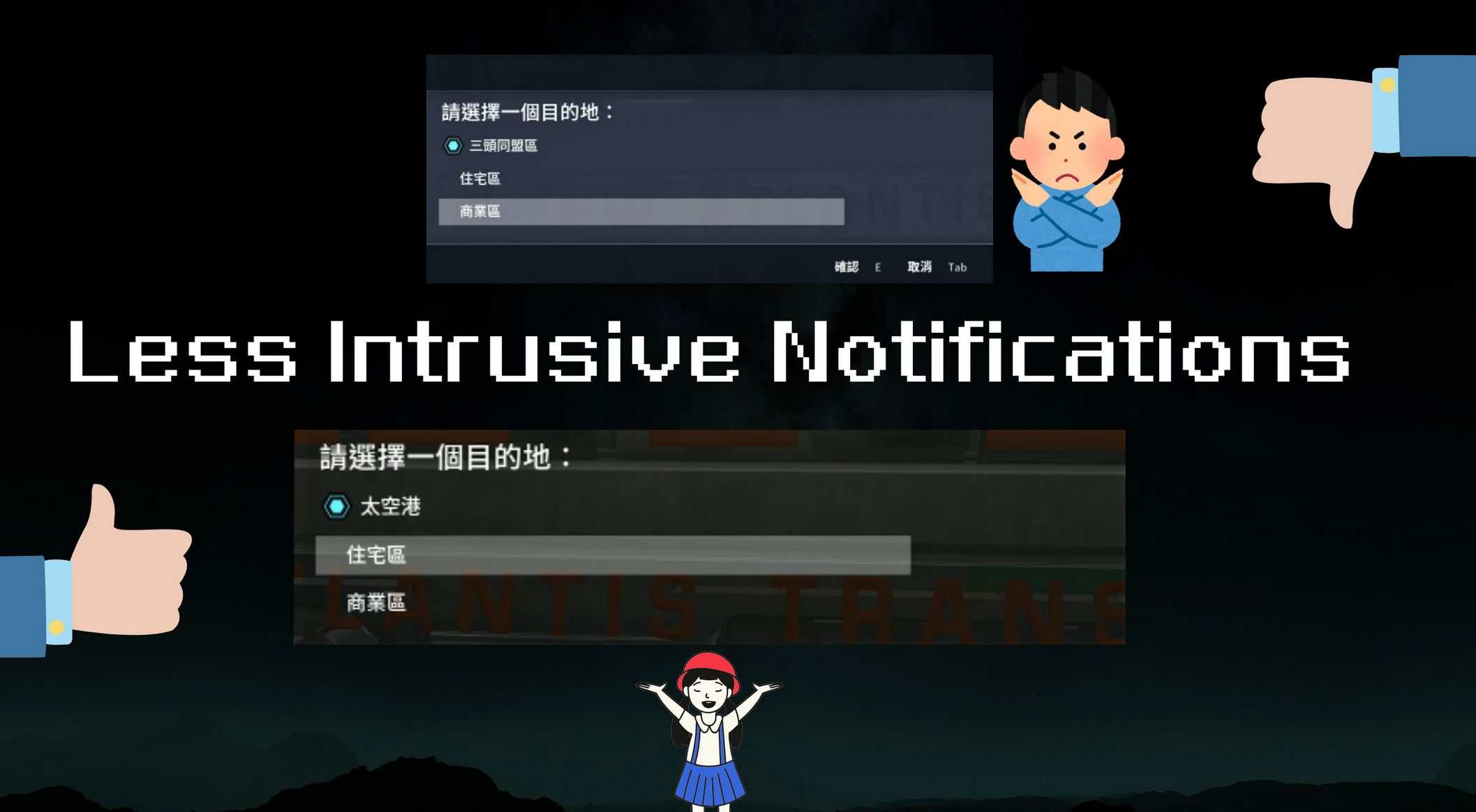
Less Intrusive Notifications v1.1
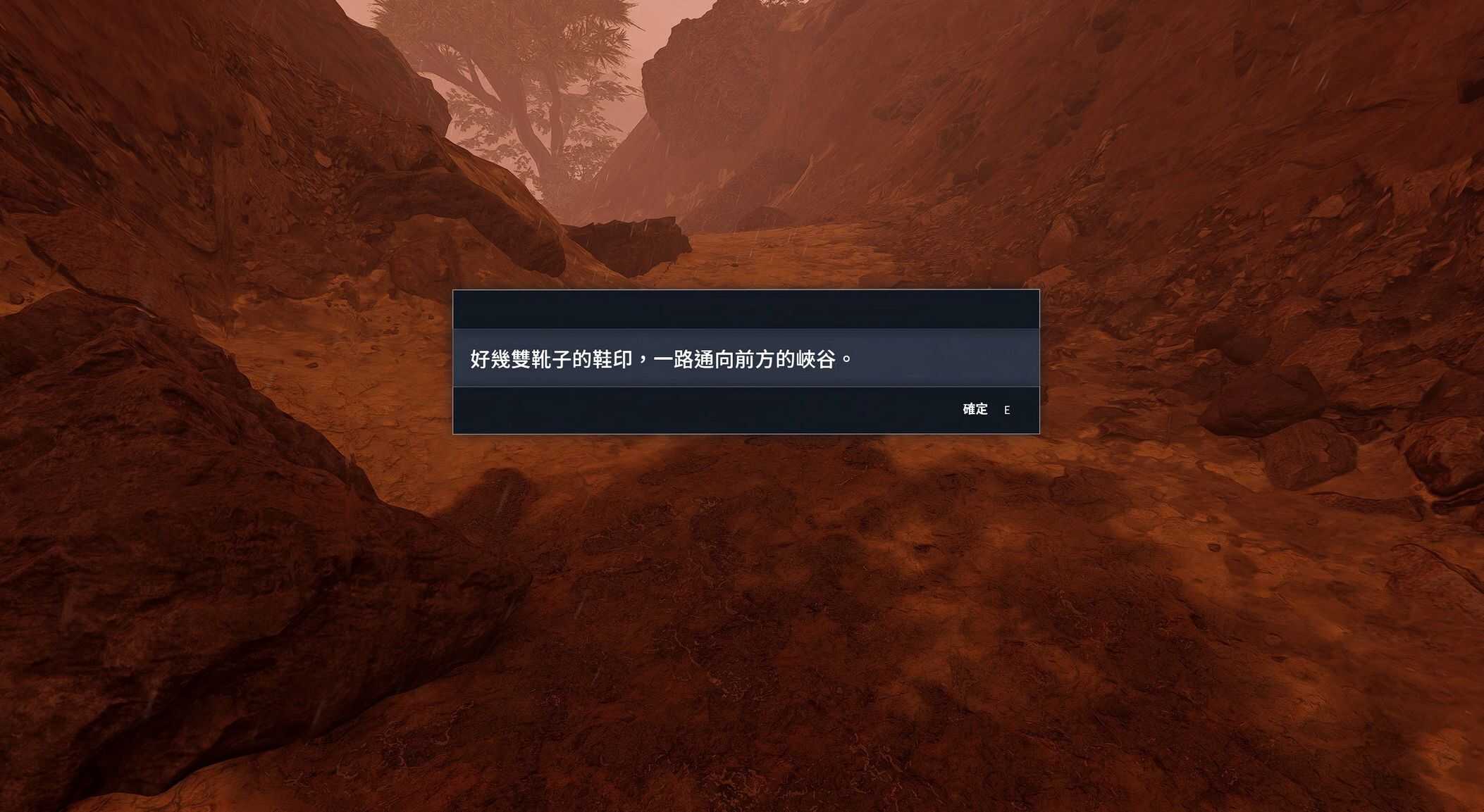
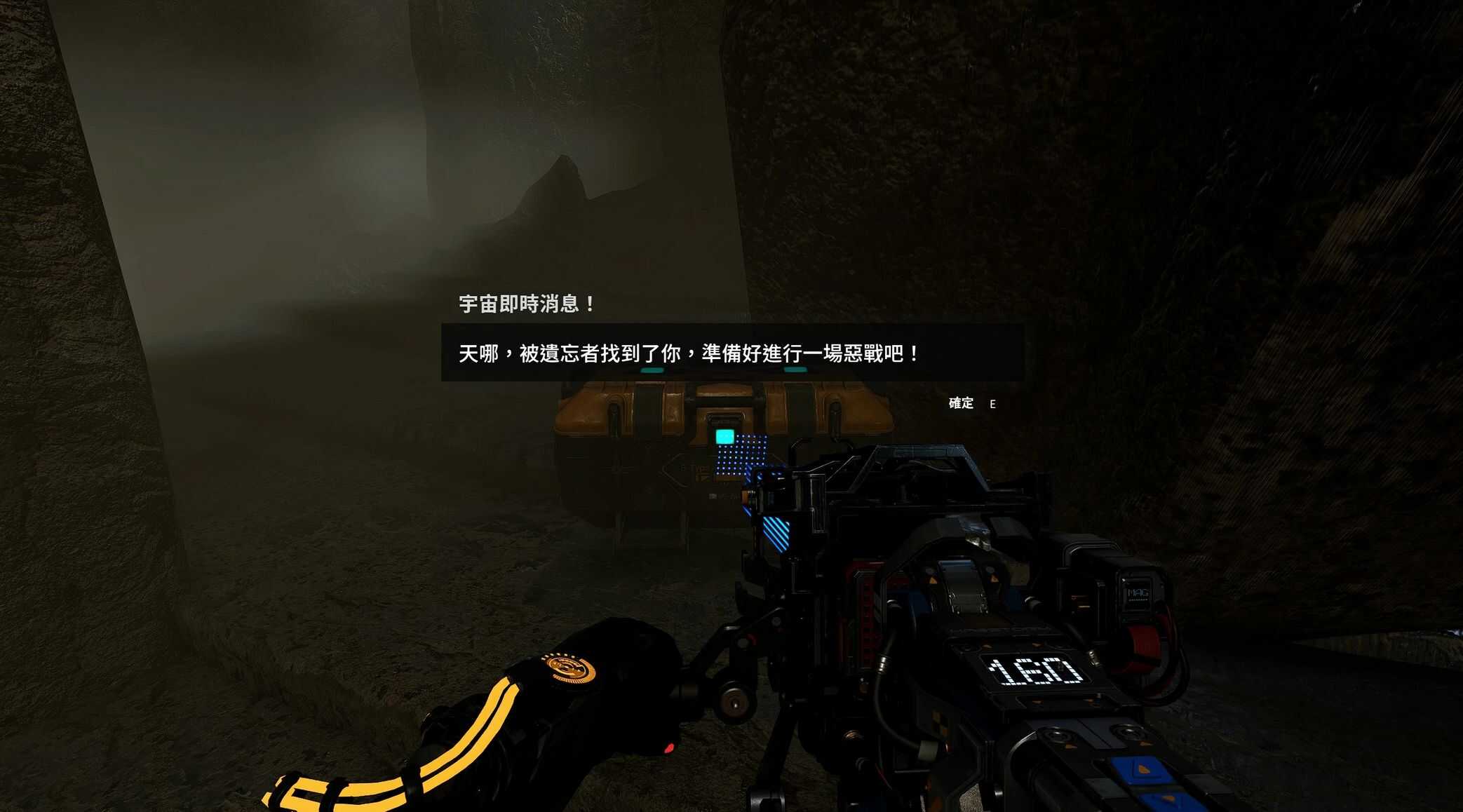
Changes notifications to semi-transparent backgrounds, making them less visually intrusive.
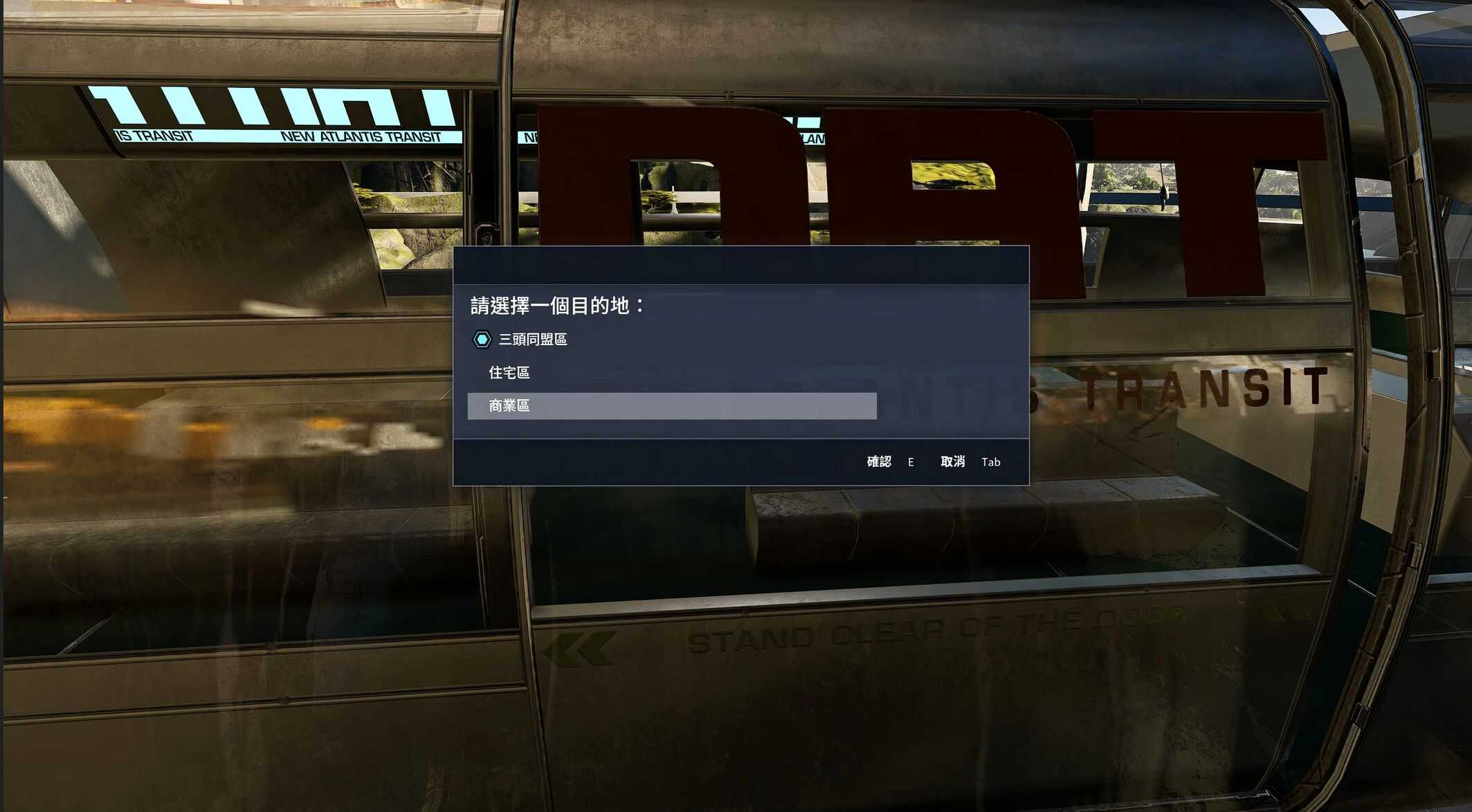
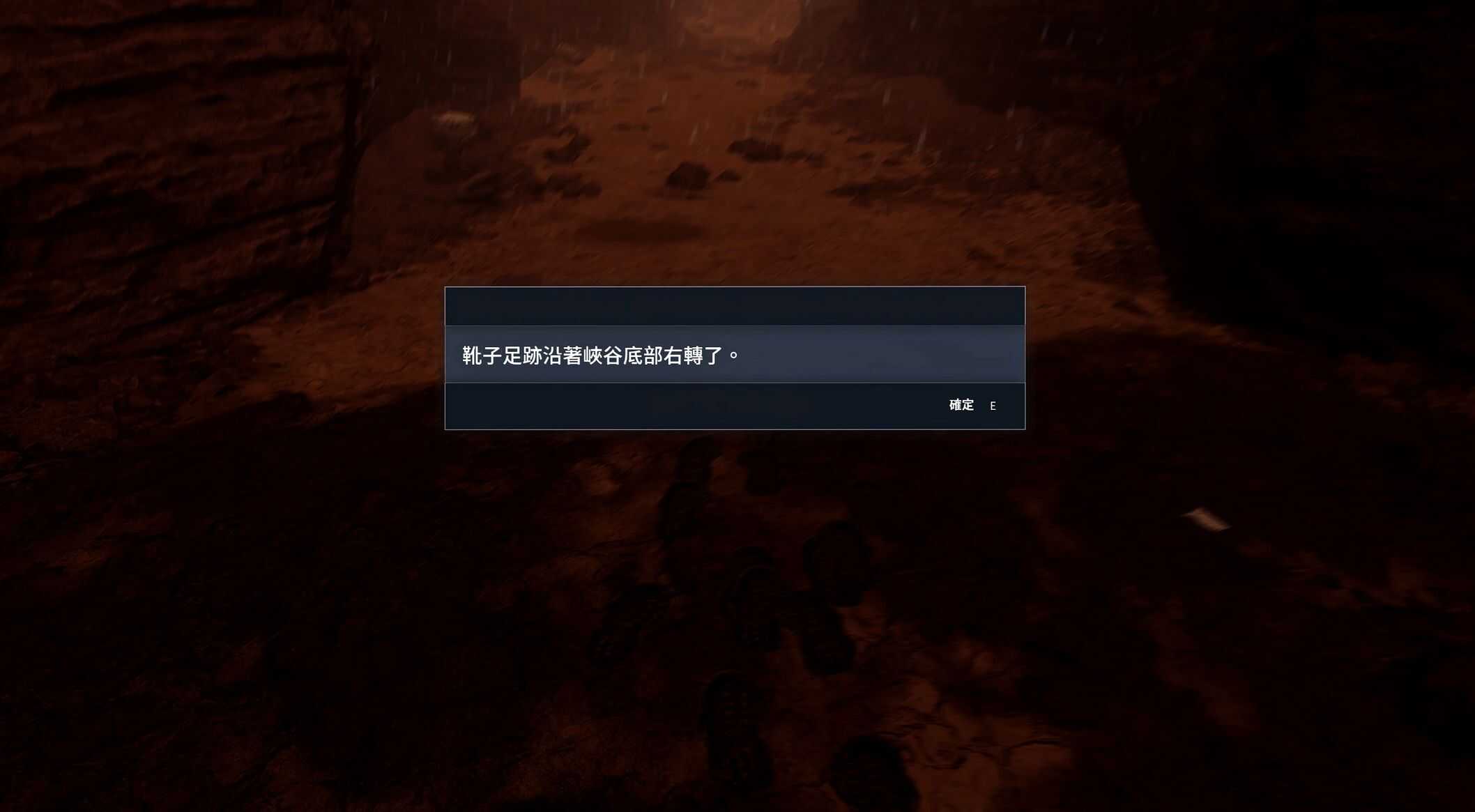
This mod replaces the original blue notification background with a cleaner, semi-transparent one that is less visually intrusive.
Covers all in-game notification interfaces, including custom notifications from mods.
Features:
– Removes the overly prominent blue notification interface from the vanilla game.
– Changes the background to a dark, semi-transparent style for a cleaner UI while maintaining readability.
– Safe to install or uninstall anytime, and compatible with most mods.
– Added multiple text color options.
Installation:
1. Download the mod files.
2. Copy the contents of the mod into your Starfield installation folder:
Starfield\Data\Interface
3. Or install it using a mod manager. All files include the correct paths, so you can safely install or uninstall it at any time.
4. Launch the game and enjoy.
Make sure you have:
[Archive]
bInvalidateOlderFiles = 1
sResourceDataDirsFinal =
In your StarfieldCustom.ini
Compatibility:
Should be compatible with all mods