Starfield Book UI Overhaul v2.0
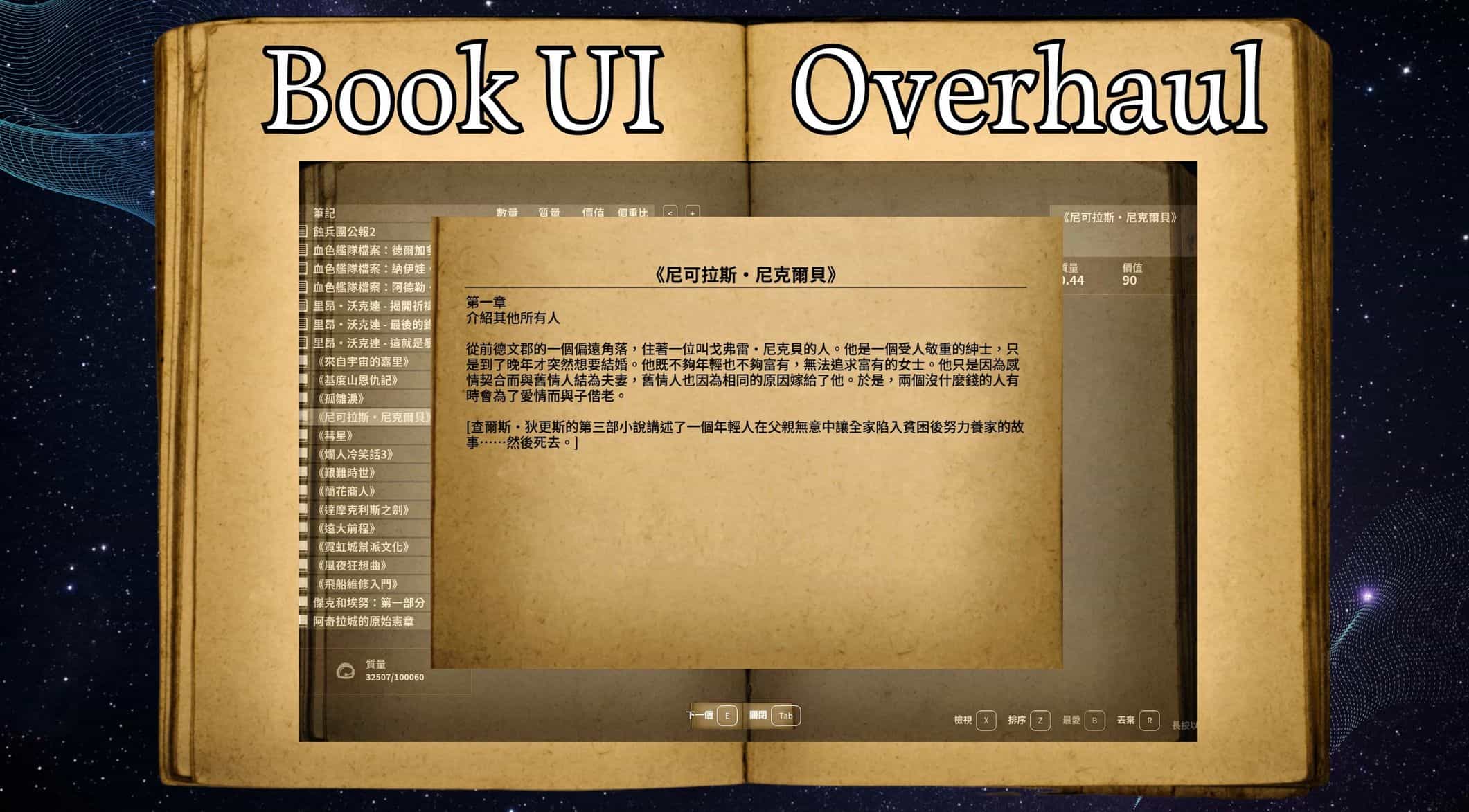
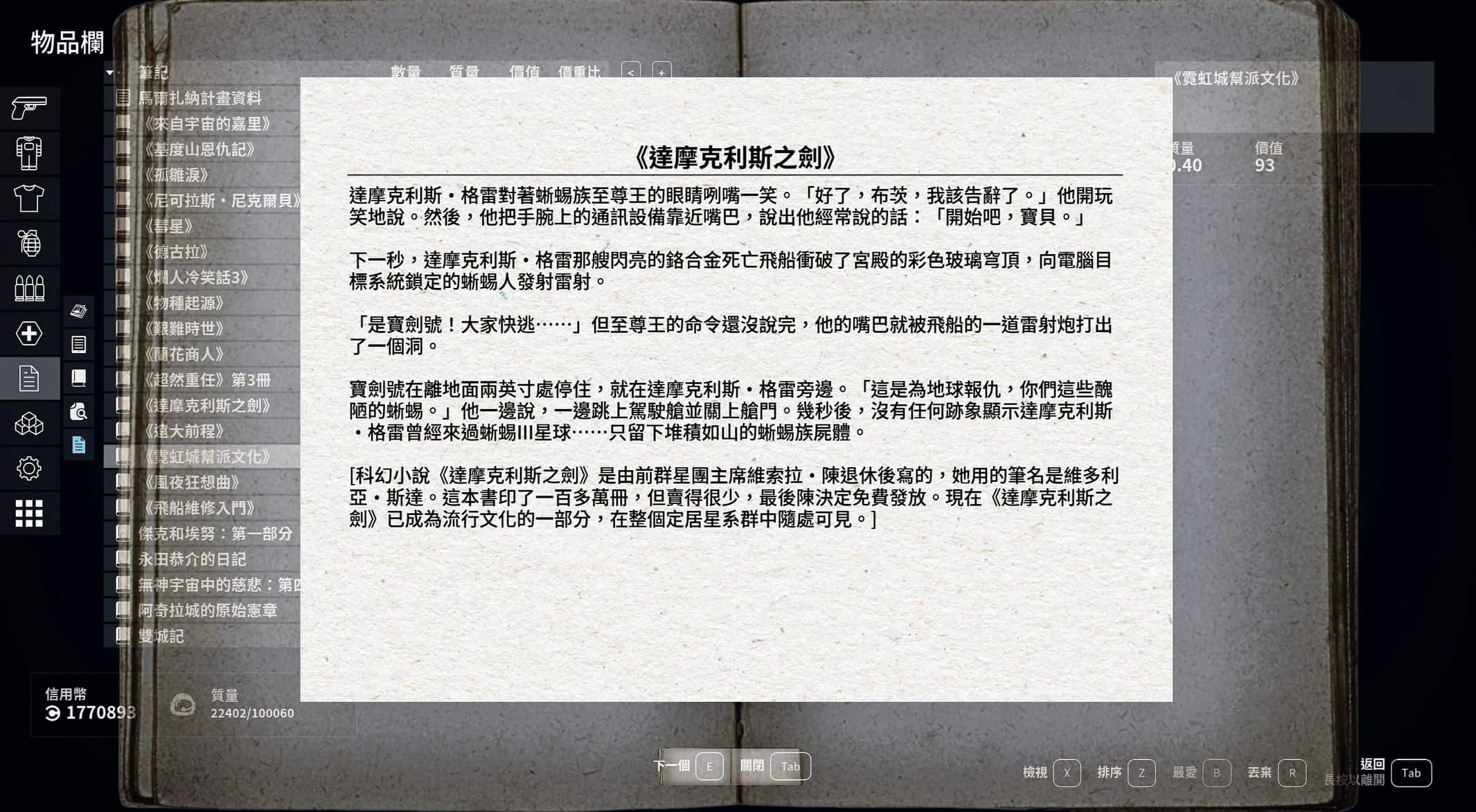
These are physical books, right? Even Skyrim had detailed book textures, but Starfield removed them. Now, they’re back!
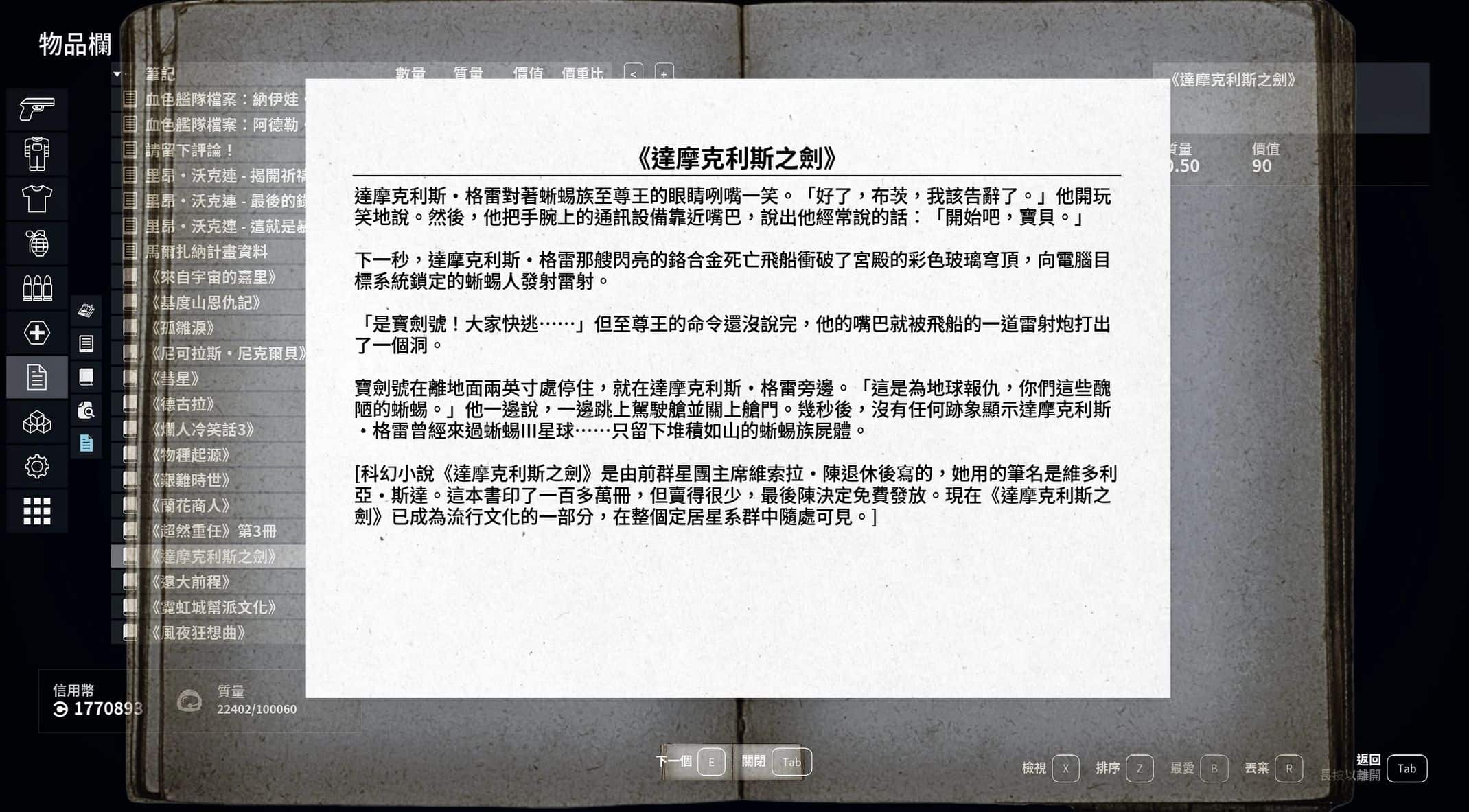
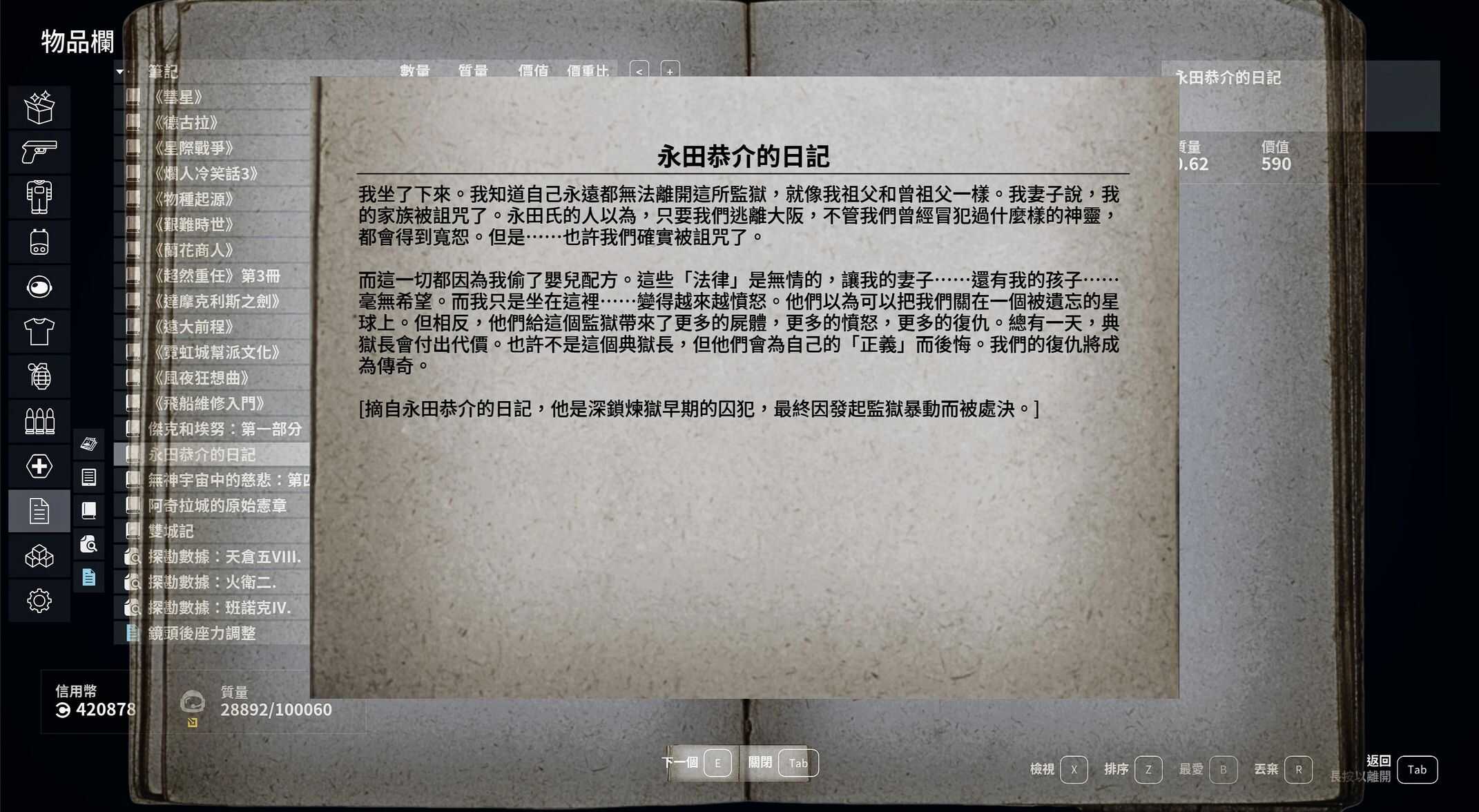
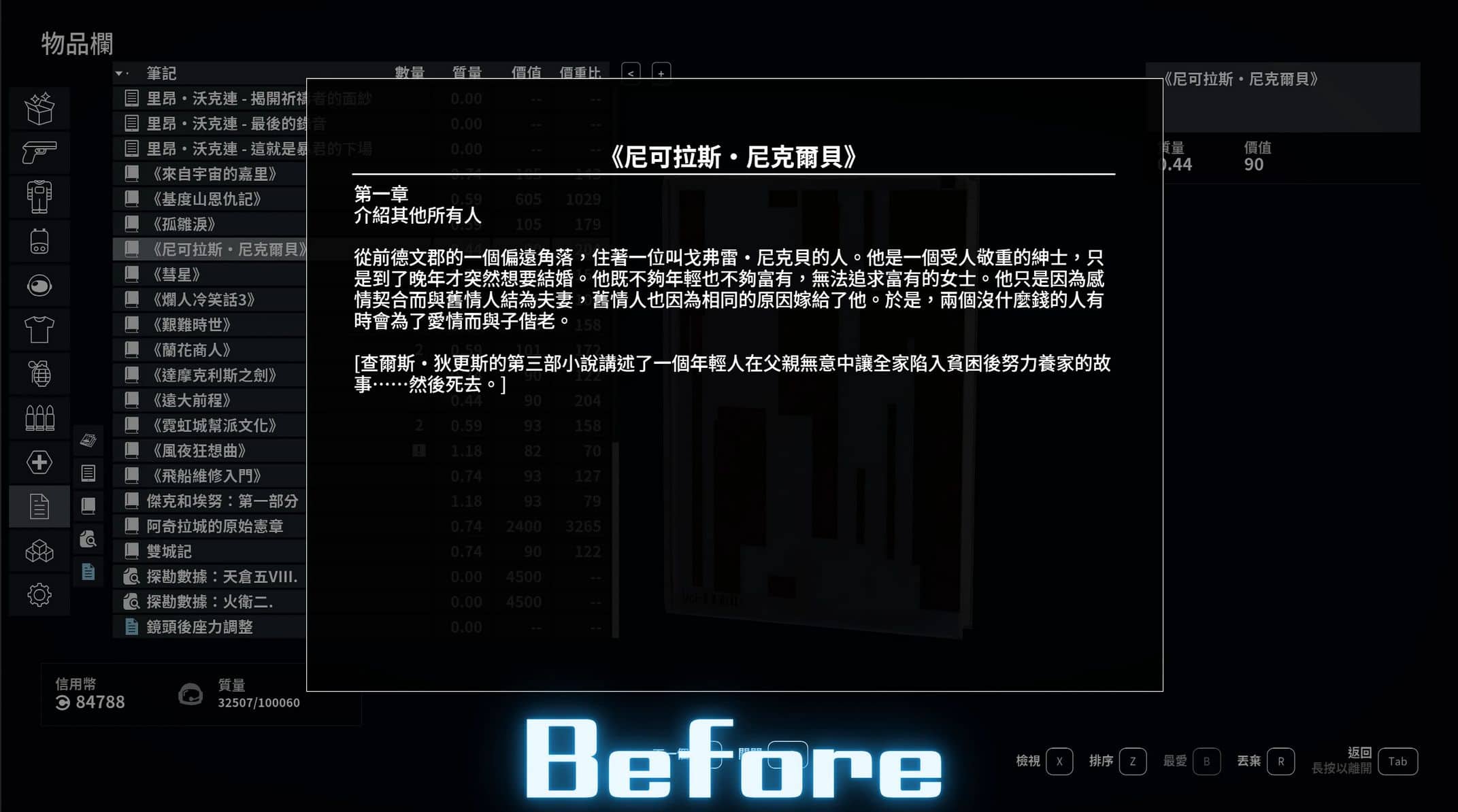
As someone who loves reading books in game, I’ve brought back the paper textures that disappeared after Skyrim. Now, you can finally enjoy real physical books! I’ve also added backgrounds and you can choose between white or black text. Four new high resolution paper textures have been added , pick your favorite version!
Features
- Restores Classic Paper Textures ,Brings back the paper like appearance for all in game books.
- Enhanced UI Readability ,Improved text layout and clarity for a more enjoyable reading experience.
- Customizable Text Color ,Choose between white or black text.
- Added Backgrounds , Subtle backgrounds to enhance immersion and visual appeal.
- Added a brighter page color to make the books look less “aged”
- Added four high resolution paper textures. Choose the one you like.
Installation
1. Download the mod files.
2. Copy the contents of the mod into your Starfield installation folder:
Starfield\Data\Interface
3. Launch the game and enjoy.
Make sure you have:
[Archive]
bInvalidateOlderFiles = 1
sResourceDataDirsFinal =
In your StarfieldCustom.ini
Compatibility
Should be compatible with all mods.
Notes
- This mod only affects the in game book interface, not the 3D book models.
- V1.1 update Added a brighter page color to make the books look less “aged”
- V2.0 update Added four high resolution paper textures.