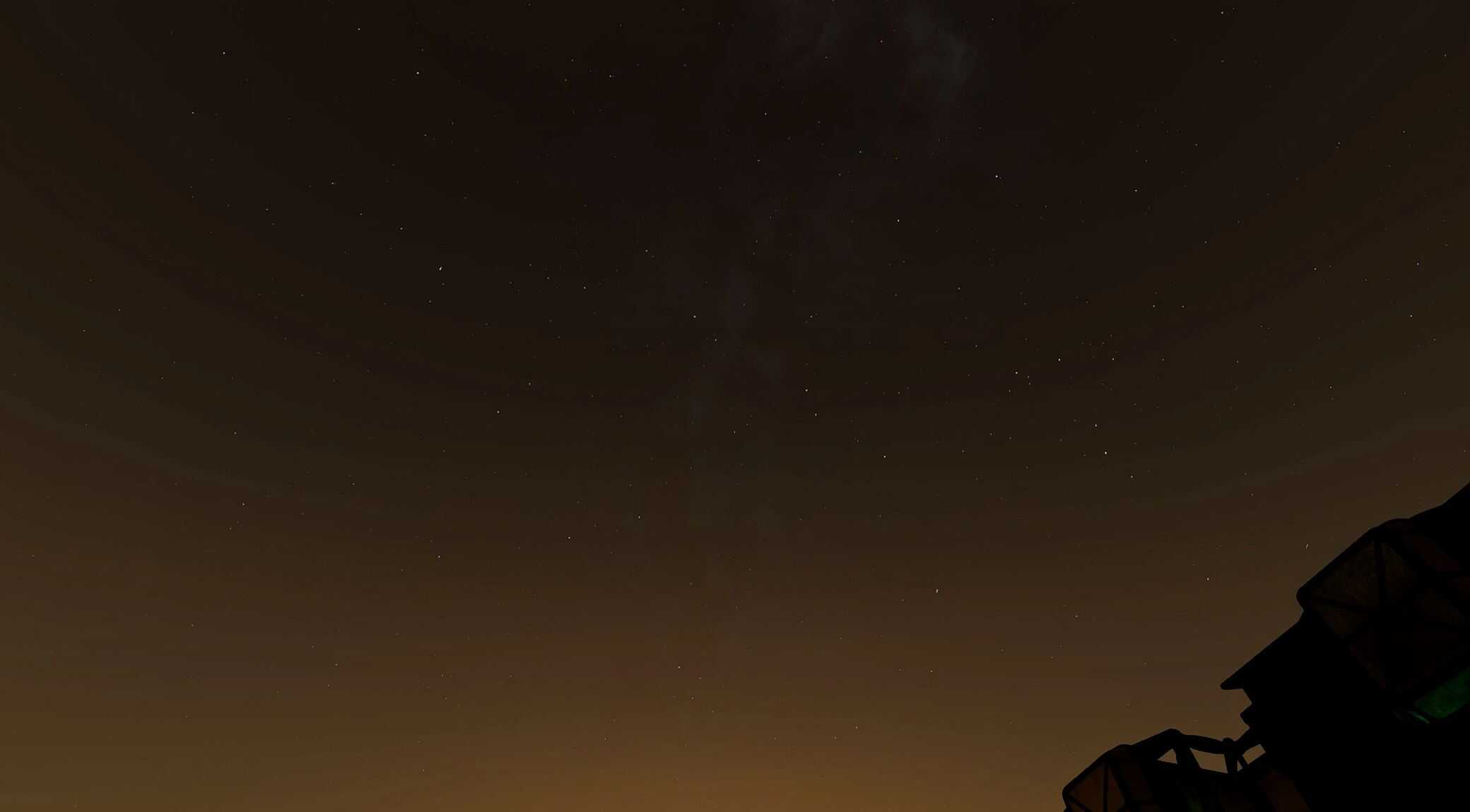
The Quiet Milky Way v1.0
“The Milky Way appears as a faint, milky band of light across the sky, not vivid or bright.” — NASA Science
Have you ever seen the Milky Way with your own eyes?
I once saw it in the mountains here in Taiwan, and it left a very deep impression on me, because it looked completely different from what I thought the Milky Way looked like.
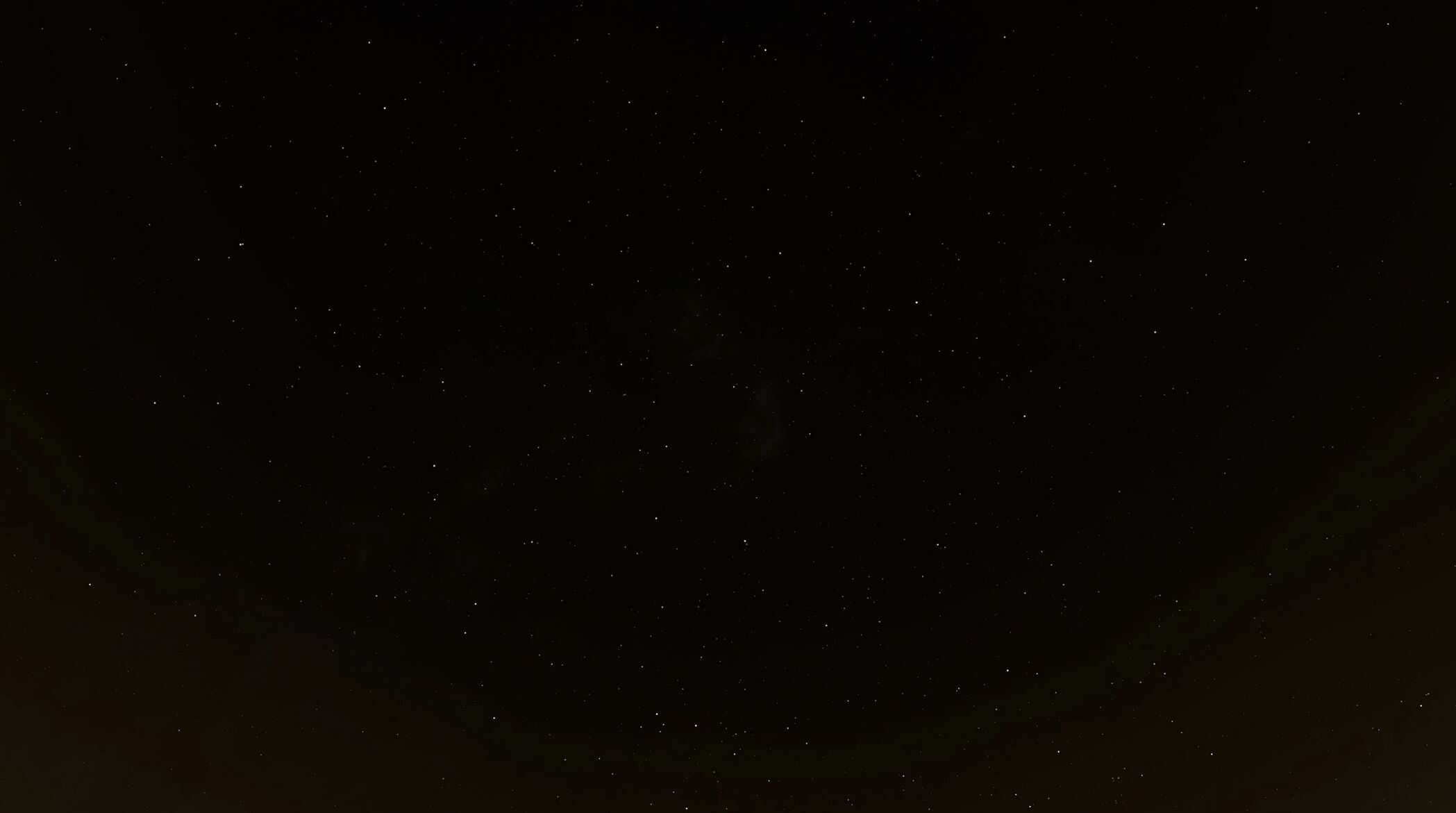
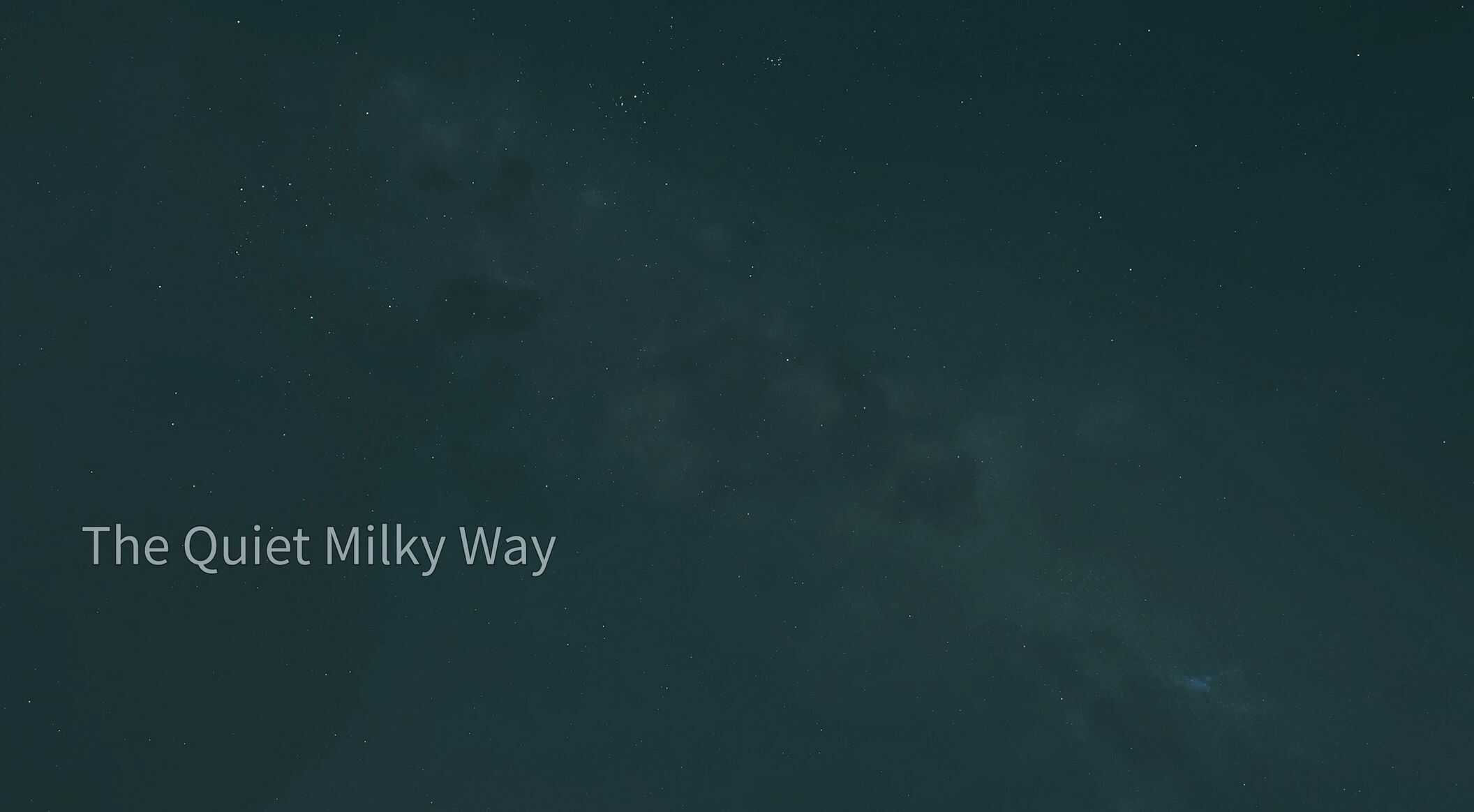
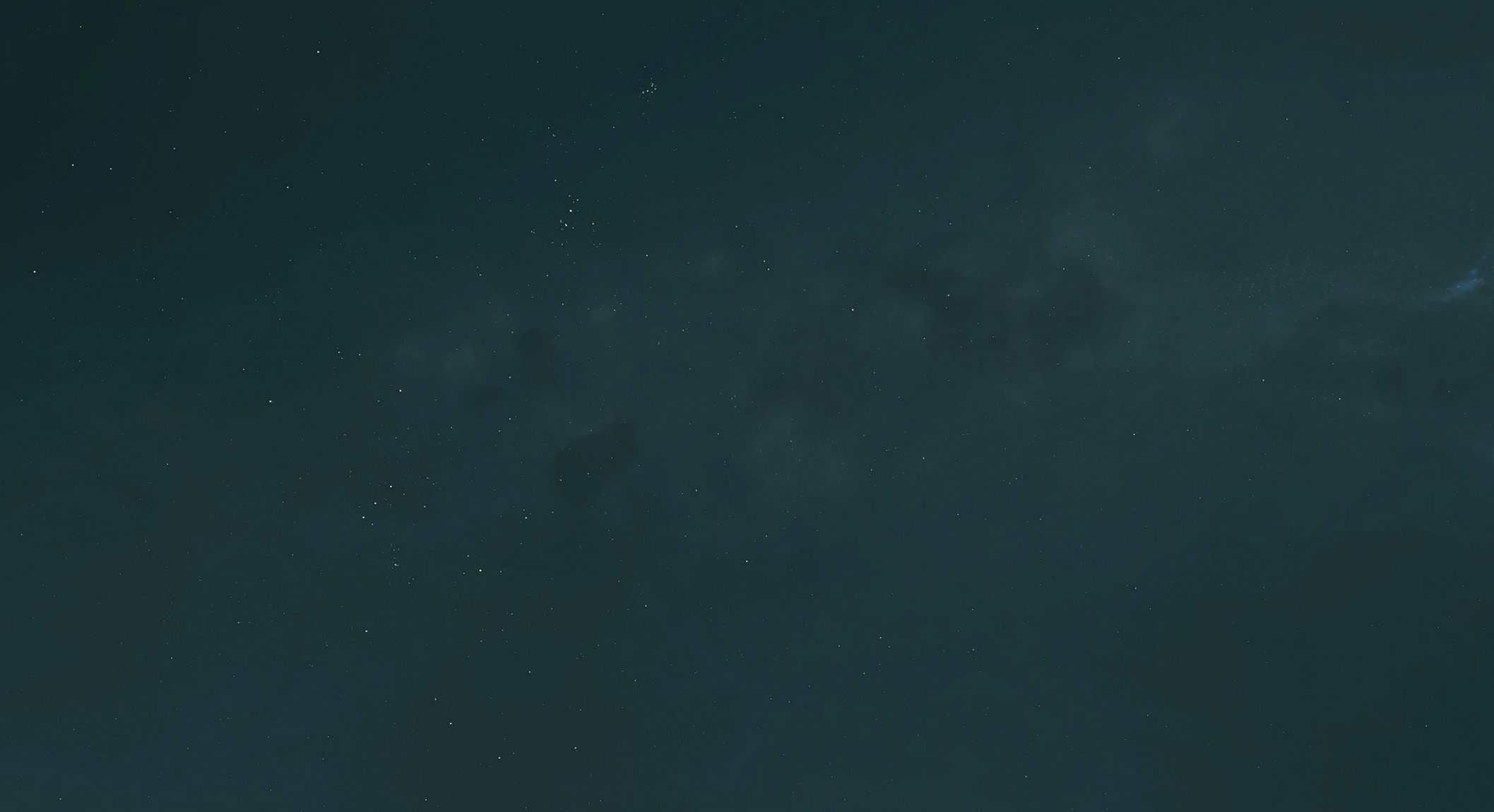
It was extremely subtle. No vivid colors, no spectacular scenery. It didn’t look dramatic at all; it looked more like a huge, diffuse cloud.And I couldn’t even find a truly accurate photo of this online. Almost every Milky Way image you see on Google has been heavily long exposed and color graded.
Because of that, I wanted to create a mod where the Milky Way actually looks the way it does to the human eye. I’ve already been using this texture myself for quite a while, It was originally made for myself, but I decided to share it with everyone.
If you want your Milky Way to feel more real , then this mod is for you.
Installation:
1. Download the mod files.
2. Copy the contents of the mod into your Starfield installation folder:
Starfield\Data\textures
3. Launch the game and enjoy.
Make sure you have:
[Archive]
bInvalidateOlderFiles = 1
sResourceDataDirsFinal =
In your StarfieldCustom.ini