

Waypoint Arrows Reworked v1.1
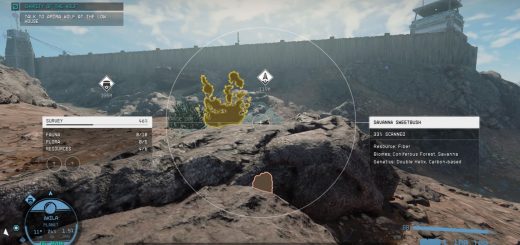
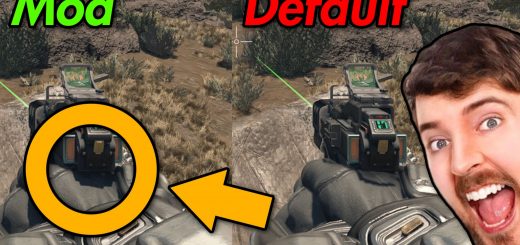
Redesigned the waypoint arrows. They are smaller than the vanilla version, with multiple color options, including an option to completely remove the arrows.
This mod redesigns the waypoint arrows. The arrow size is slightly smaller but still perfectly visible.
Features:
– New waypoint arrow shapes and visuals.
– Multiple beautiful color options.
– Slightly reduced arrow size.
– Option to completely remove the arrows.
Installation:
1. Download the mod files.
2. Copy the contents of the mod into your Starfield installation folder:
Starfield\Data\textures
3. Launch the game and enjoy.
Make sure you have:
[Archive]
bInvalidateOlderFiles = 1
sResourceDataDirsFinal =
In your StarfieldCustom.ini
Compatibility
cannot be used together with other waypoint arrow texture files.
Notes:
– V1.1 update Added white arrows.