Minimalist Main Menu
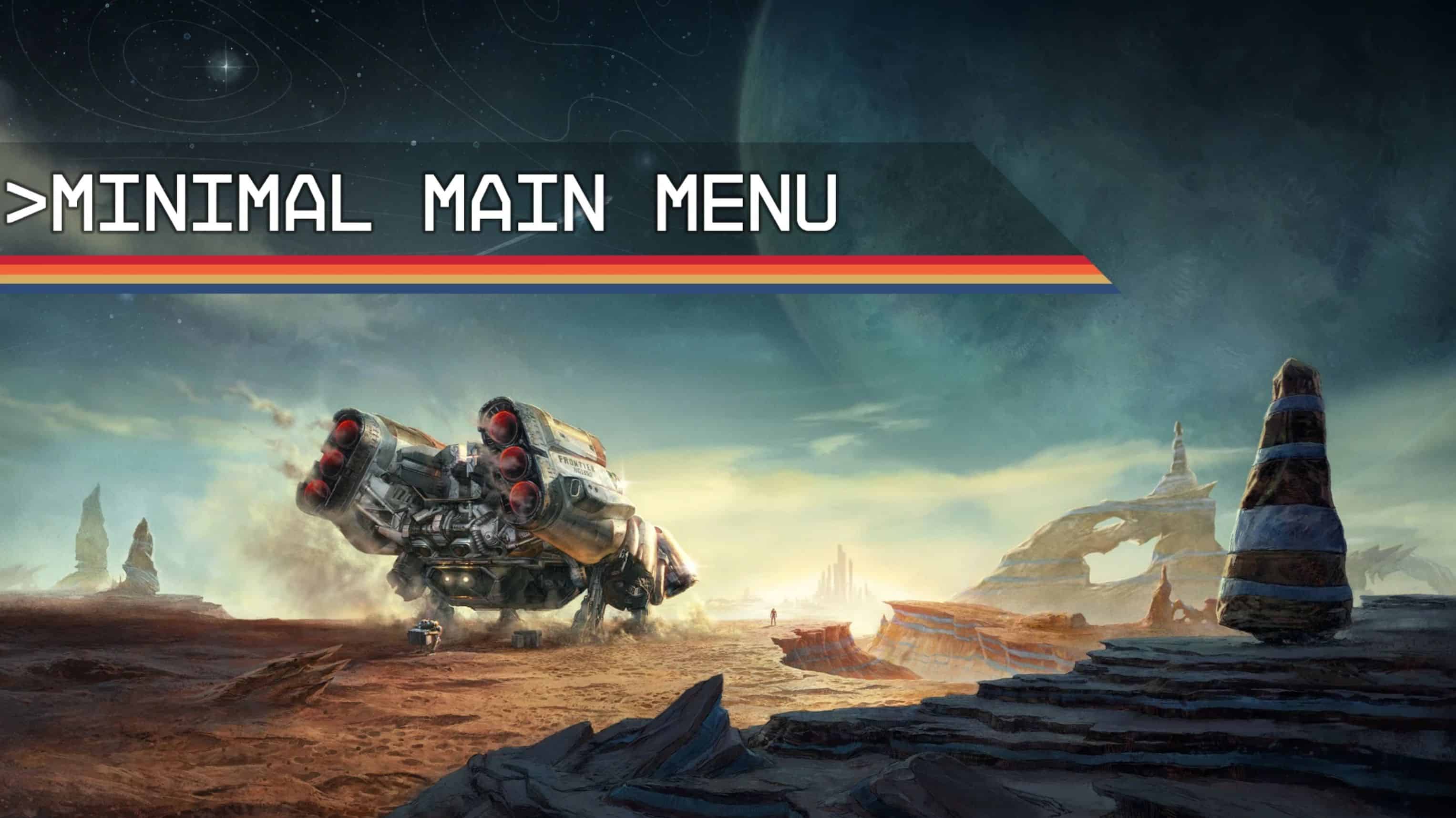
A simple main menu video replacer for those who are not a fan of the vanilla one.
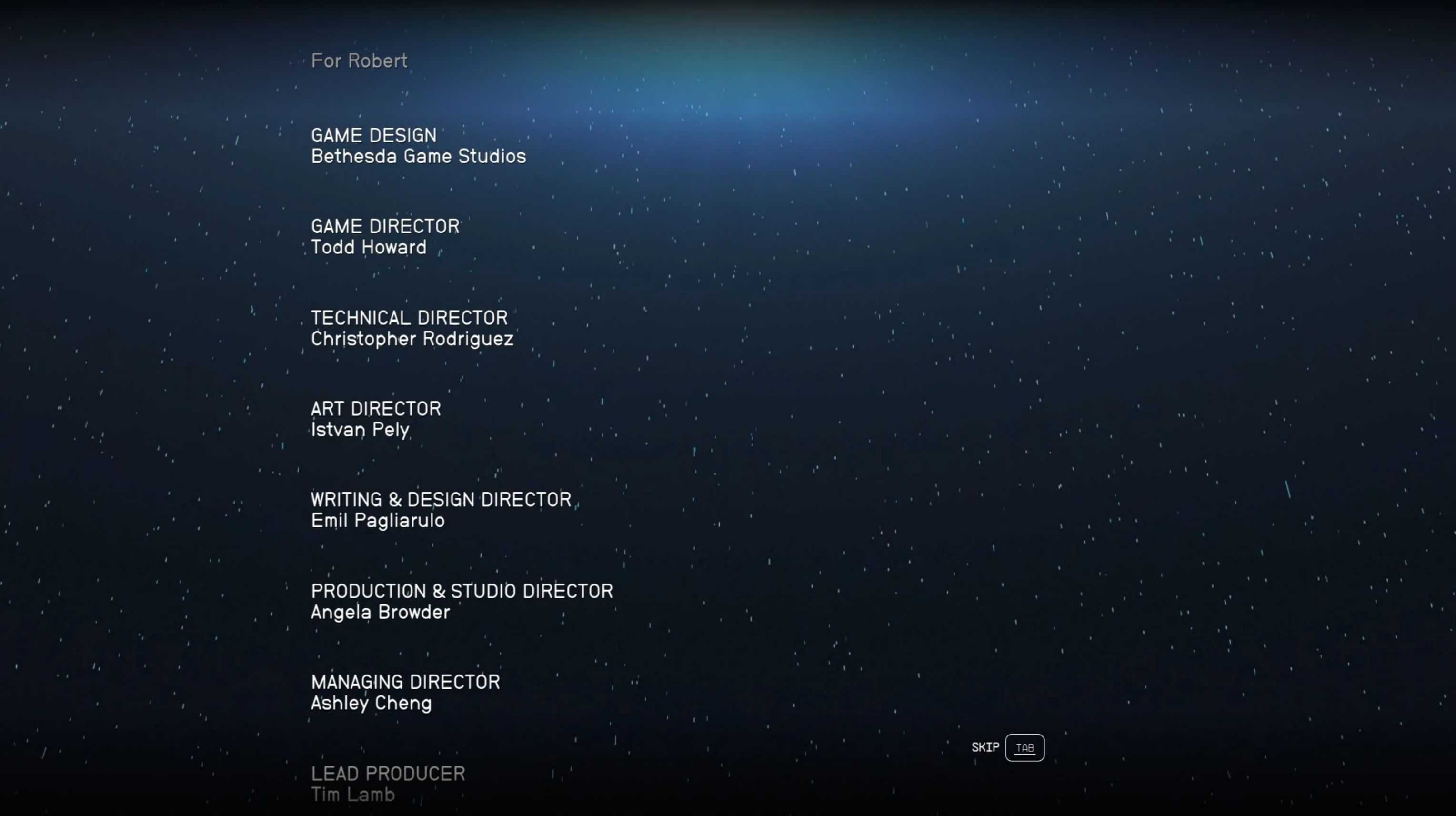
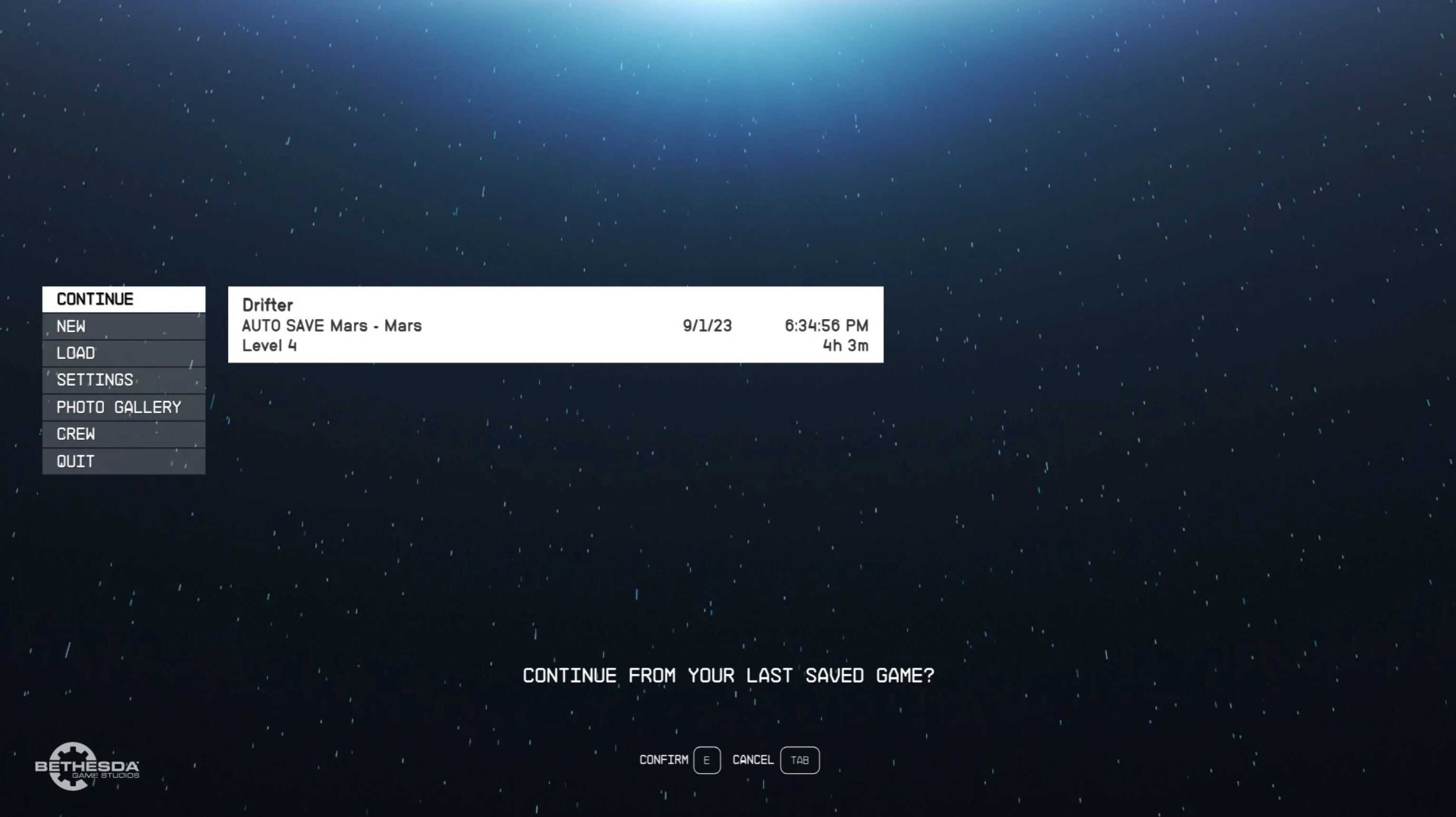
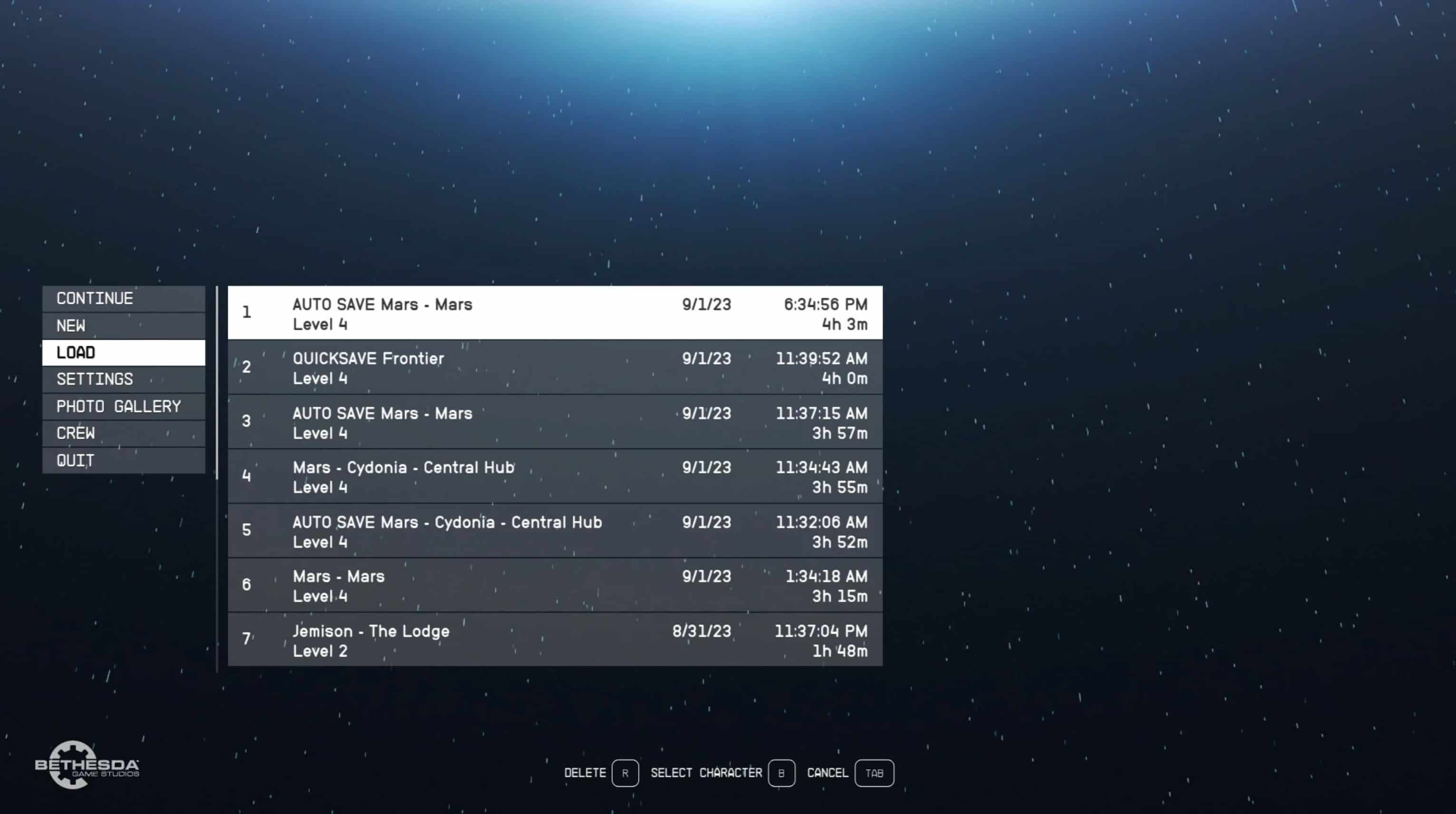
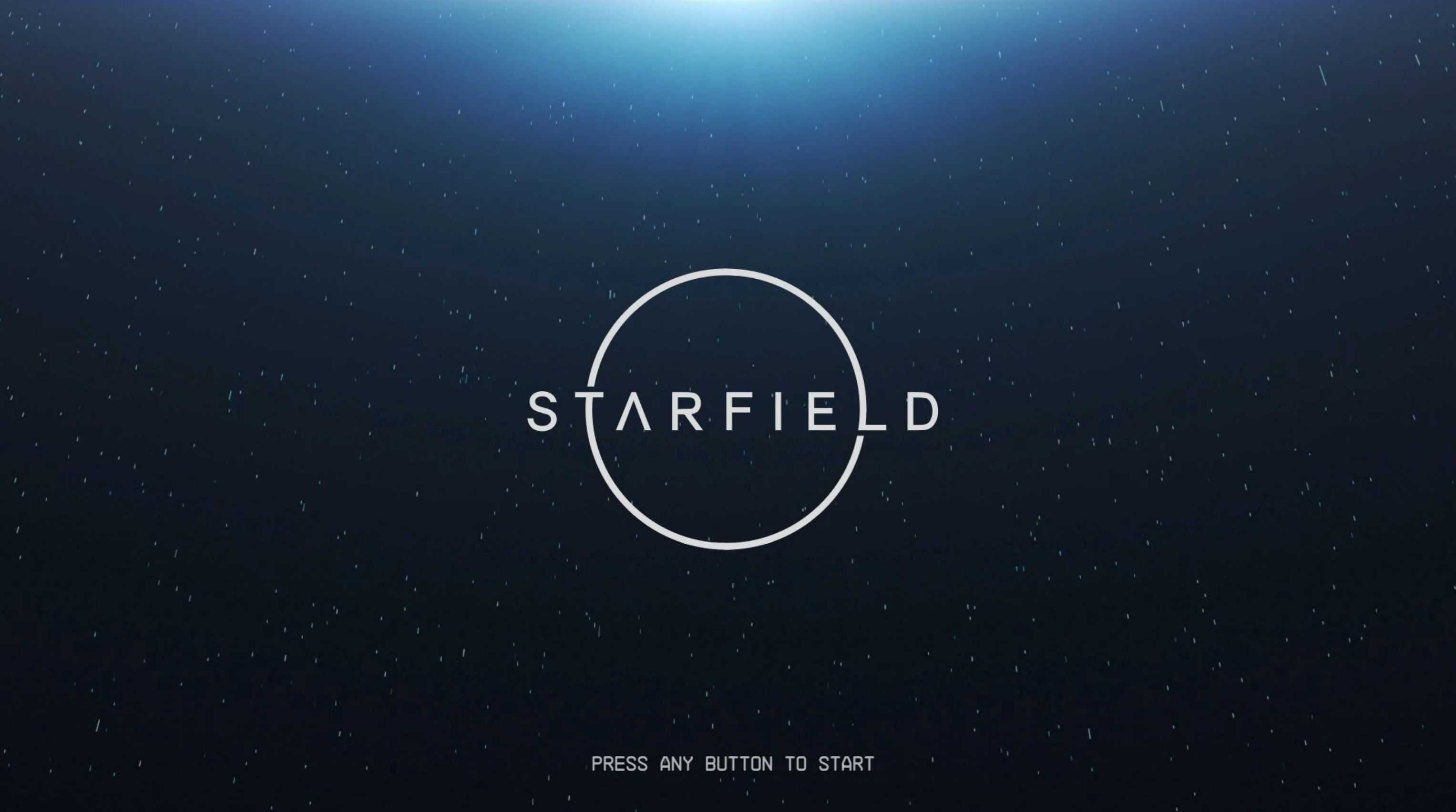
Changes the main menu video to a subjectively more visually appealing one. The video is replaced with one that displays moving stars, a blue hue, and a starfield logo in the center.
Installation:
Simply drag and drop the contents of the mod into your games ‘Data’ folder. Replace when prompted.
Note: Be sure to back up the original file in case you don’t like this!