
Native Light LUT Overhaul v2.0
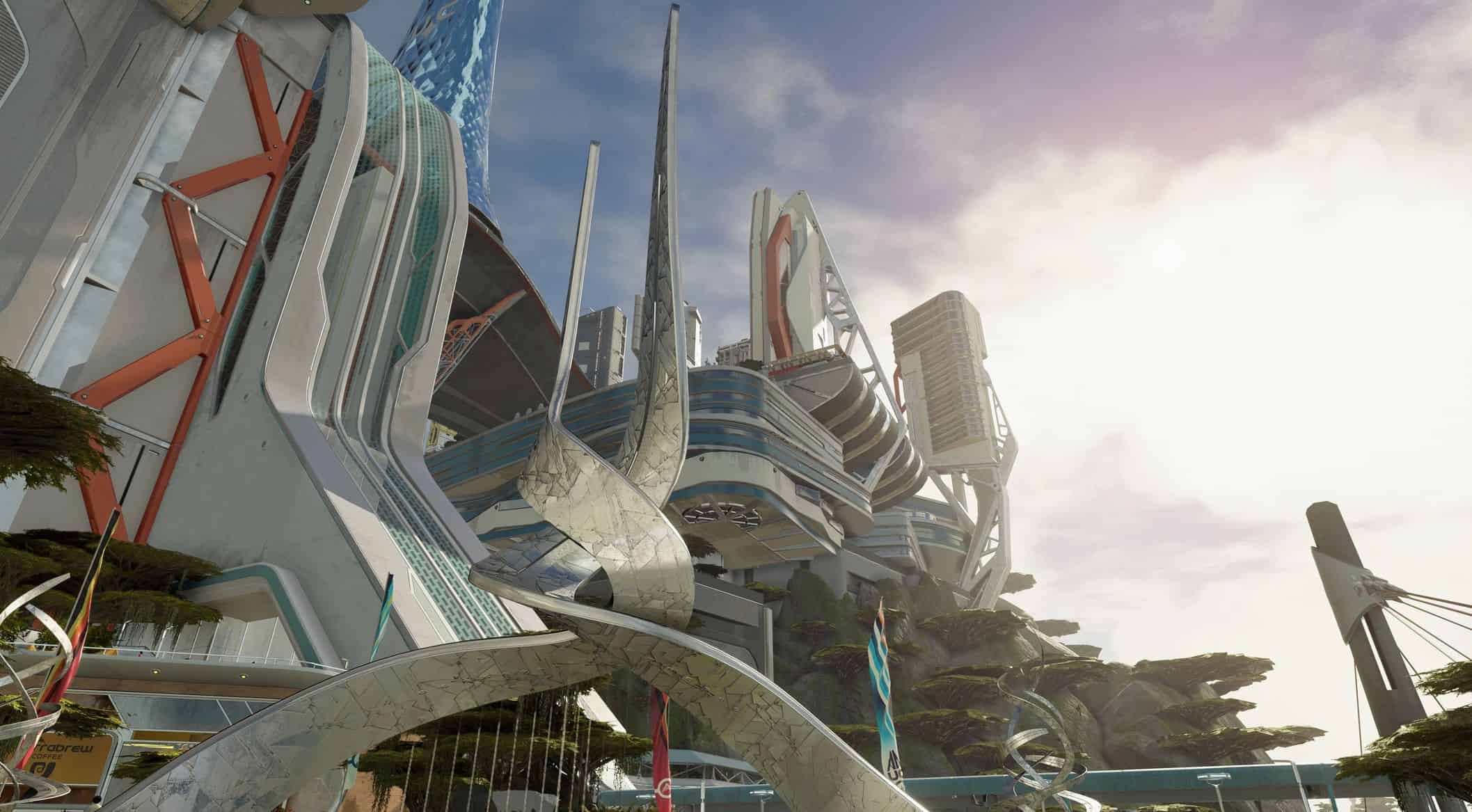
Full LUT overhaul for Starfield. A corrective base grade with real blacks, plus the two grading systems the engine already had and never filled: 19 grades by location, and 21 by planet — each derived from that world’s own atmosphere, star class and pressure.
Starfield should not look like the same beige-grey image everywhere you go.
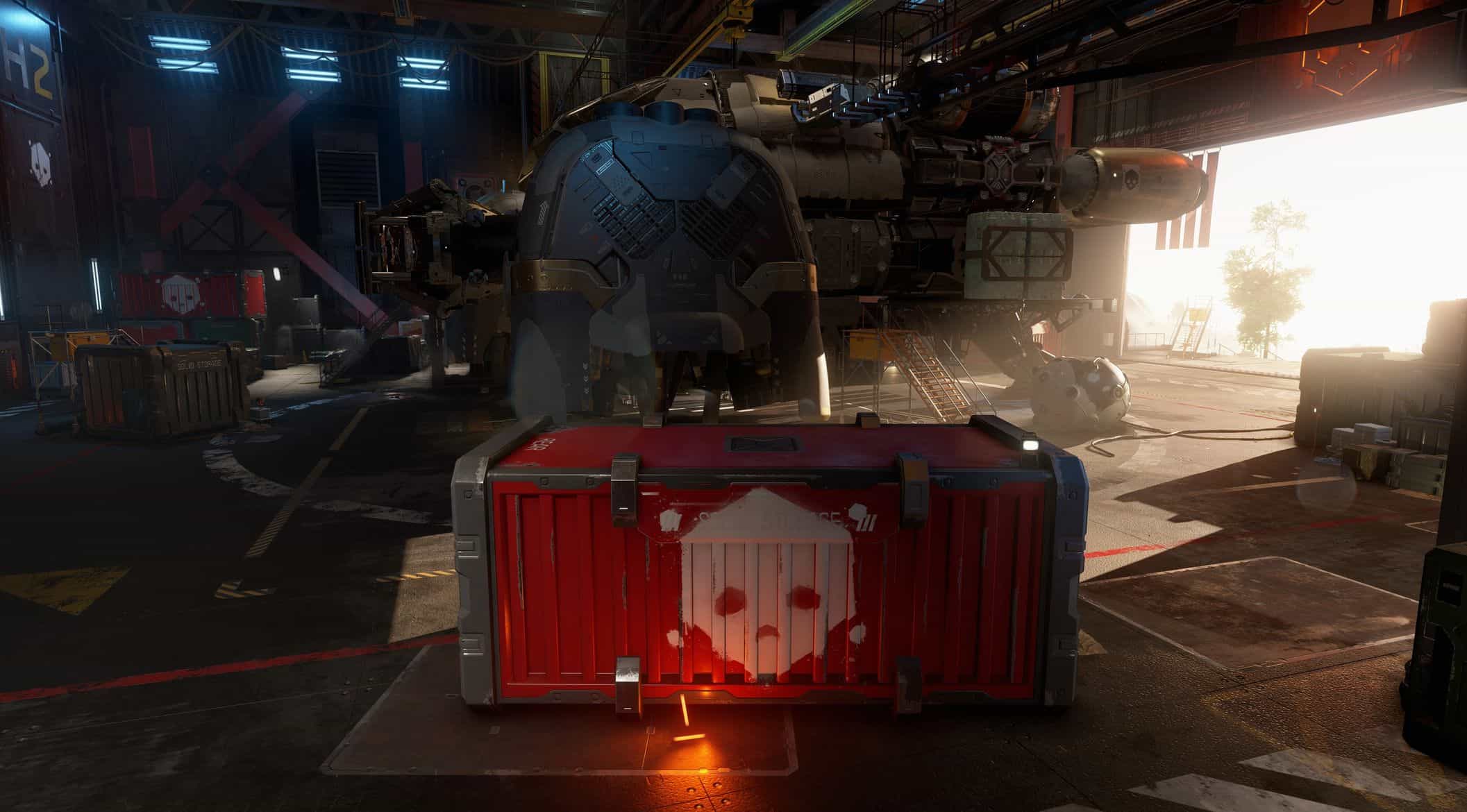
Native Light rebuilds the game’s colour grading from the ground up. Not to add a look – to take one away. It removes the grey veil the game ships with and gives everything the colour it should be: real blacks, honest whites, and light that comes from the scene instead of a filter over it.
This is not a ReShade preset.
This is not one LUT copied across the game.
It is a correction, not a style.
WHAT CHANGES
– The grey veil is removed. Blacks are actually black, whites are neutral, and the cyan-shadow / yellow-highlight split is corrected.
– Nothing is put in its place. No warm cast, no teal-and-orange, no filter. The image looks like itself.
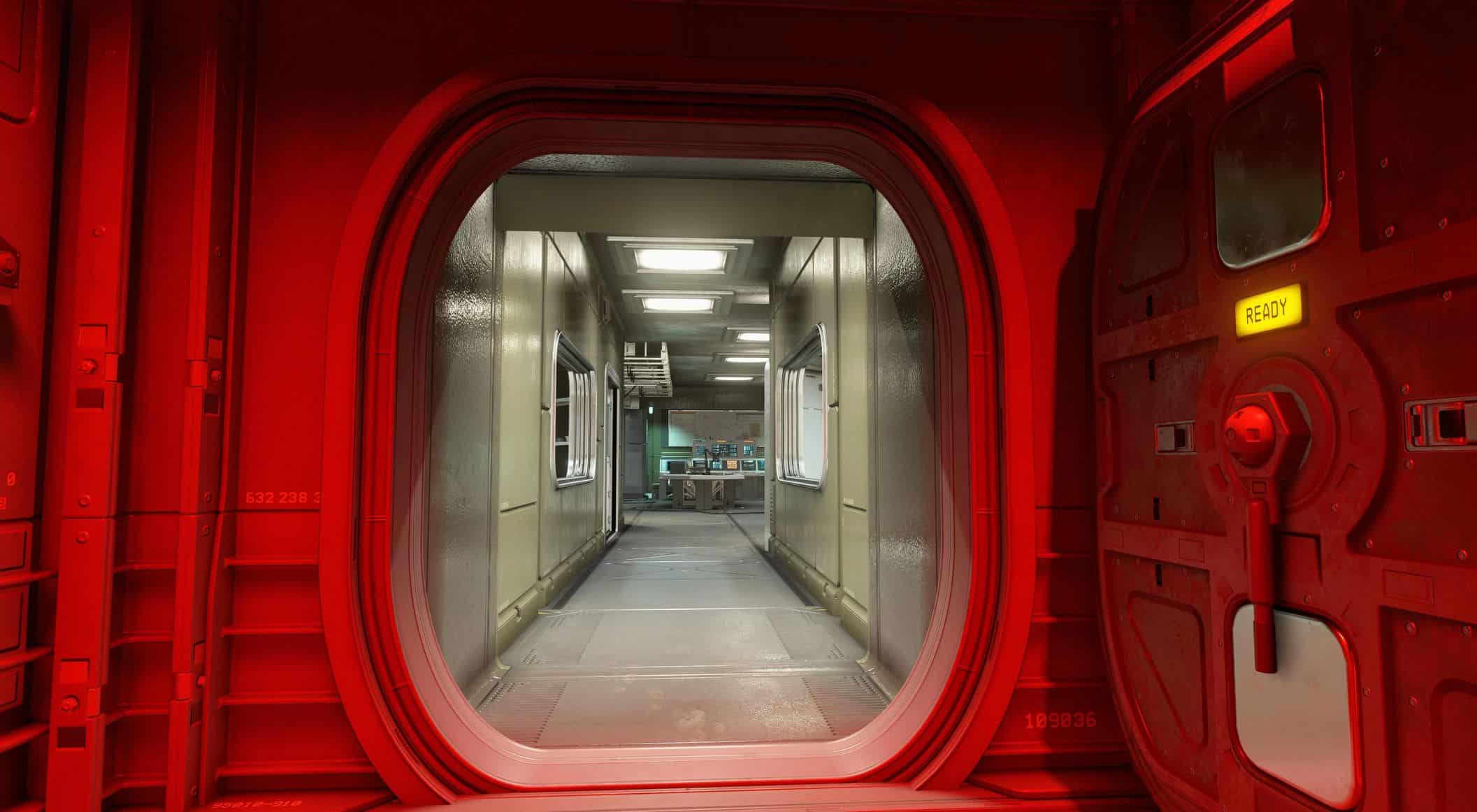
– The game’s own light does the work. A red-lit corridor stays red because the game lights it red. A warm study stays warm because the lamps are warm. Colour comes from the actual sources in the scene.
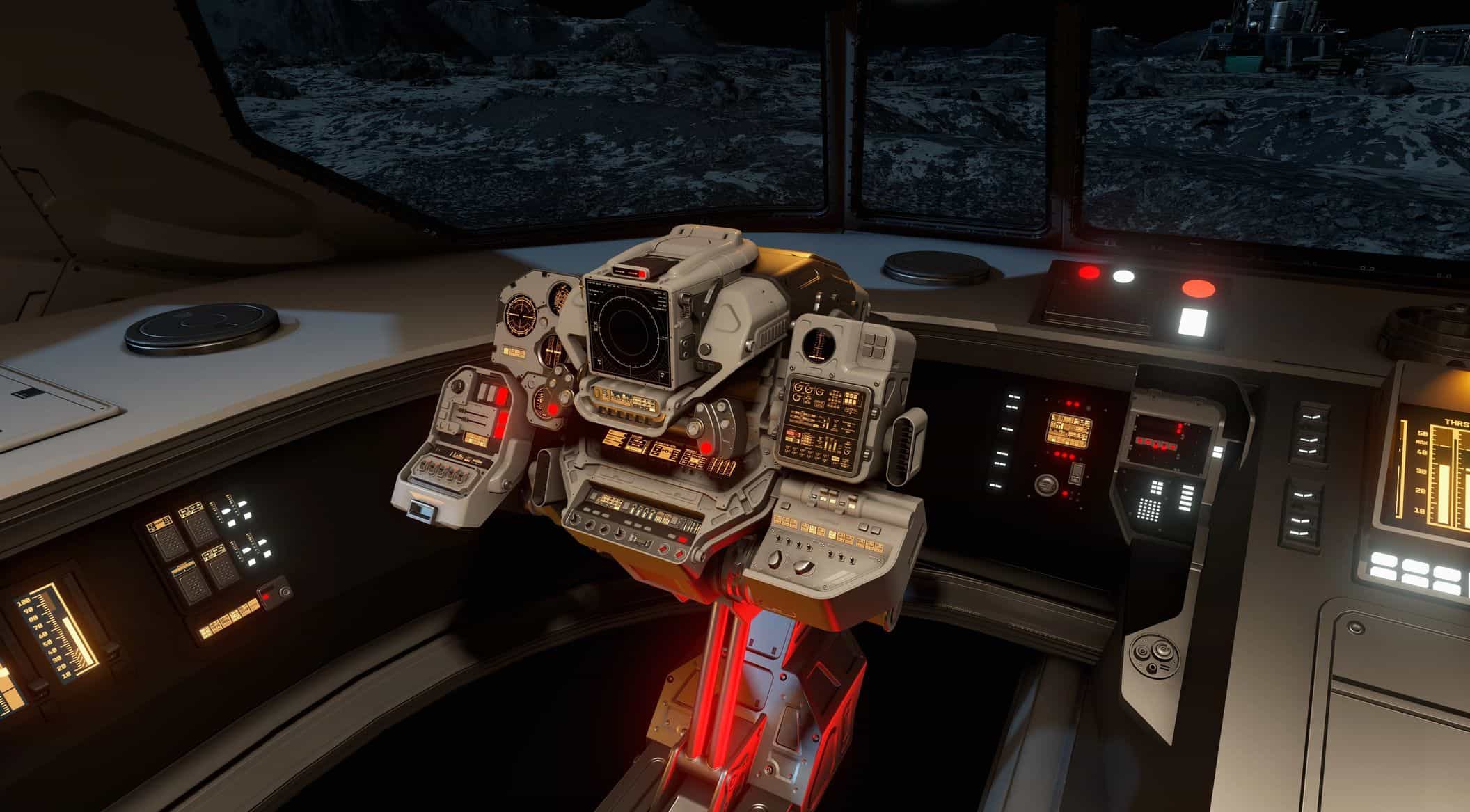
– Space finally looks like space. Deep vacuum, hard contrast, illuminated ships against a true black background.
– Atmospheric worlds reflect what they actually are. Optional Per-Planet grades each world from its own atmosphere, pressure, temperature and star class.
– Photo Mode becomes useful again. Thirty-four filters rebuilt to their own names, not lightly altered copies of one effect.
The goal is not to make every screenshot dramatic.
The goal is to make Starfield look right during the hundreds of ordinary hours between screenshots.
First: the part that is broken
“Washed out and beige” is not simply a matter of taste. It comes from measurable changes inside the original LUT.
Starfield addresses colour grading by location, and every slot originally contains an identical cube. That cube does this:
black point R 7 G 20 B 22 lifted ~8%, tinted cyan
white point R 253 G 247 B 221 blue reduced by 34
mid grey (136) R 152 G 153 B 145
contrast slope 1.05 almost no density added
Cyan shadows sit against yellow highlights over a floor that never reaches black.
That is the grey veil. That is the beige cast.
Clean Base replaces it. Black lands at (2,2,2), white at (250,250,250), and the grey axis remains neutral from end to end.
It is not a temporary cinematic preset. It is a neutral foundation designed to stay installed for an entire playthrough.
The discipline
– Clean Base follows one rule, strictly:
– If something should be black, it is black. Real shadows, with detail kept in them – not a lifted grey floor.
– If something is white, it is white. No warm or cool cast sitting on top of it.
– It does not fight the game’s own light. Where the light is red, warm or blue, that reaches you unchanged. The correction only removes the veil; it never adds a colour of its own.
– No inventing. Where Bethesda intended a stylised look, the game’s own lighting still supplies it. Native Light neither adds nor removes there.
Every place ends up looking like itself – not because each location was given its own filter, but because the veil is gone and nothing was laid over the top. Space feels like vacuum, a warm study feels warm, a clinical lab feels clean, because that is how the game already lights them once the beige is removed.
(If you used an earlier version with distinct per-location grades: those are retired. Once every location reads its true colour, a per-location grade IS the base grade, so the two became one. See the changelog.)
The one place colour should differ: the planets
There is exactly one place where colour should change from world to world, and the game already knows where: the sky.
Starfield contains 1786 worlds, and a per-atmosphere grading system to colour them:
– 599 atmosphere records
– 39 colour templates
– separate day and night ImageSpace assignments
– LUT textures named blue, blue-green, blue-violet, green, orange, red and violet
All fourteen of those colour textures are byte-identical.
The worlds do not look alike because the system is small. They look alike because it was never filled in.
Per-Planet (optional) fills it in – and the colours are not chosen by eye. The game already holds the data. Every world carries genuine physics:
– atmosphere composition
– atmospheric pressure
– surface temperature
– planet type
– spectral class of the parent star
Those values are real. Venus uses 5.24 g/cm3 and Titan 1.88 g/cm3, matching their published atmospheric densities to two decimals.
The grade is derived from them:
– Atmospheric gas sets the hue of the sky. CO2 tends to ochre, nitrogen to steel, oxygen to blue.
– Star class sets the colour of the light itself – a dim red dwarf warm, a hot blue star cold.
– Pressure sets haze, contrast and black point. Dense air lifts the floor; vacuum lifts nothing.
– Surface temperature adds a controlled warm or cool bias.
This is not stylisation either. It is the colour the world should be, derived rather than invented – the same rule as Clean Base, one level up.
An airless world is handled differently on purpose. There is no atmosphere to colour the sky, so it keeps the true-black neutral base. Standing on Titan and standing on Europa should not feel the same – one has air, one does not – and now that is visible.
24 planetary grades survive validation, covering roughly 550 atmospheric worlds. The airless and near-vacuum worlds keep the neutral base intentionally. Painting a colourful sky onto a world with no sky would repeat the exact mistake this mod exists to remove.
Photo Mode rebuilt
Starfield’s Photo Mode filters are ImageSpace records pointing to LUT textures, so they can be rebuilt without a plugin.
Thirty-four filters regraded to their actual names and intended behaviour: a genuine bleach-bypass response, a Black & White with a red-filter response that brightens skin and darkens sky, a Night Vision that rolls off instead of blowing out to a flat green slab.
These are stylised – but a photo filter is chosen one shot at a time, so that is exactly where stylisation belongs. Two are left alone: “Abandoned” and “Dusty” point at location LUTs the game also uses during play, so regrading them would silently change the game itself.
Measured, not eyeballed
Clean Base is verified, not judged by eye: black lands at (2,2,2), white at (250,250,250), and the grey axis is neutral end to end with zero green bias. Those are the numbers, checked before packaging.
Per-Planet grades face automated gates too – each must be perceptible against the base (6/255) and distinct from every other grade (5/255). The thresholds are deliberately quiet, because a planet grade is the air you breathe for hours on a world you picked at random, yet the grades must still be told apart across hundreds of worlds.
Thirty-four planetary grades were proposed. Twenty-four survived. The other ten were merged rather than shipped as differences that existed only on paper.
Choose your setup
Use the FOMOD installer unless you install manually. It installs Clean Base (the correction) and lets you tick the two optional add-ons.
– Clean Base – the correction, and the whole location answer. Removes the veil, restores neutral colour and real blacks, without a stylised appearance. Always installed.
– Per-Planet – physics-derived grading for atmospheric worlds. Layers on top of Clean Base. The only module with a plugin.
– Photo Mode – the thirty-four rebuilt filters. Works alone or with anything else.
Not sure what to install?
Use the FOMOD and take Clean Base plus both add-ons.
Installation
Clean Base and Photo Mode are loose textures only – no ESP, no scripts, no SFSE plugin, no save dependency.
Per-Planet is the exception. Assigning atmospheres to grades needs record edits, so it ships:
FieldOS_AtmoCore.esm
containing 48 new ImageSpace records and 551 atmosphere overrides. It still has no scripts, no SFSE plugin and no save data of its own. Every modified record is the same size to avoid re-serialisation, and it was validated headlessly with xDump before packaging. Enable it in your plugin list like any other ESM.
1. Enable loose files. In Documents\My Games\Starfield\StarfieldCustom.ini:
[Archive]
bInvalidateOlderFiles=1
sResourceDataDirsFinal=
The second line is intentionally empty. Most modded setups already have this – but without it the game may ignore loose textures and no change will appear.
2. Install the files. Use the FOMOD, or place the included Data folder into your Starfield install, merging with the existing Data folder. Close the game first; it locks texture files while running.
Uninstall: remove the files and disable FieldOS_AtmoCore.esm if you used Per-Planet. The original LUTs return immediately from the game’s BA2 archives. No visual data is written into the save.
Compatibility
Clean Base conflicts with other LUT replacers – they overwrite the same textures. Install one or the other; whichever loads last wins.
Per-Planet additionally conflicts only with mods that edit ATMO records or the atmosphere ImageSpace assignments. Load order decides; the records do not blend.
It layers cleanly with weather mods such as Complete Weather Overhaul and Royal Weathers. Those change which weather a world gets, not what its atmosphere is graded to, so they stack rather than fight.
No gameplay scripts, no SFSE dependency, no persistent quests, no save bloat. Safe to add or remove during a playthrough – including Per-Planet, whose ImageSpace assignments resolve when locations load rather than binding into the save. Removing the plugin simply restores the original assignments.