Natural Hair Colours v1
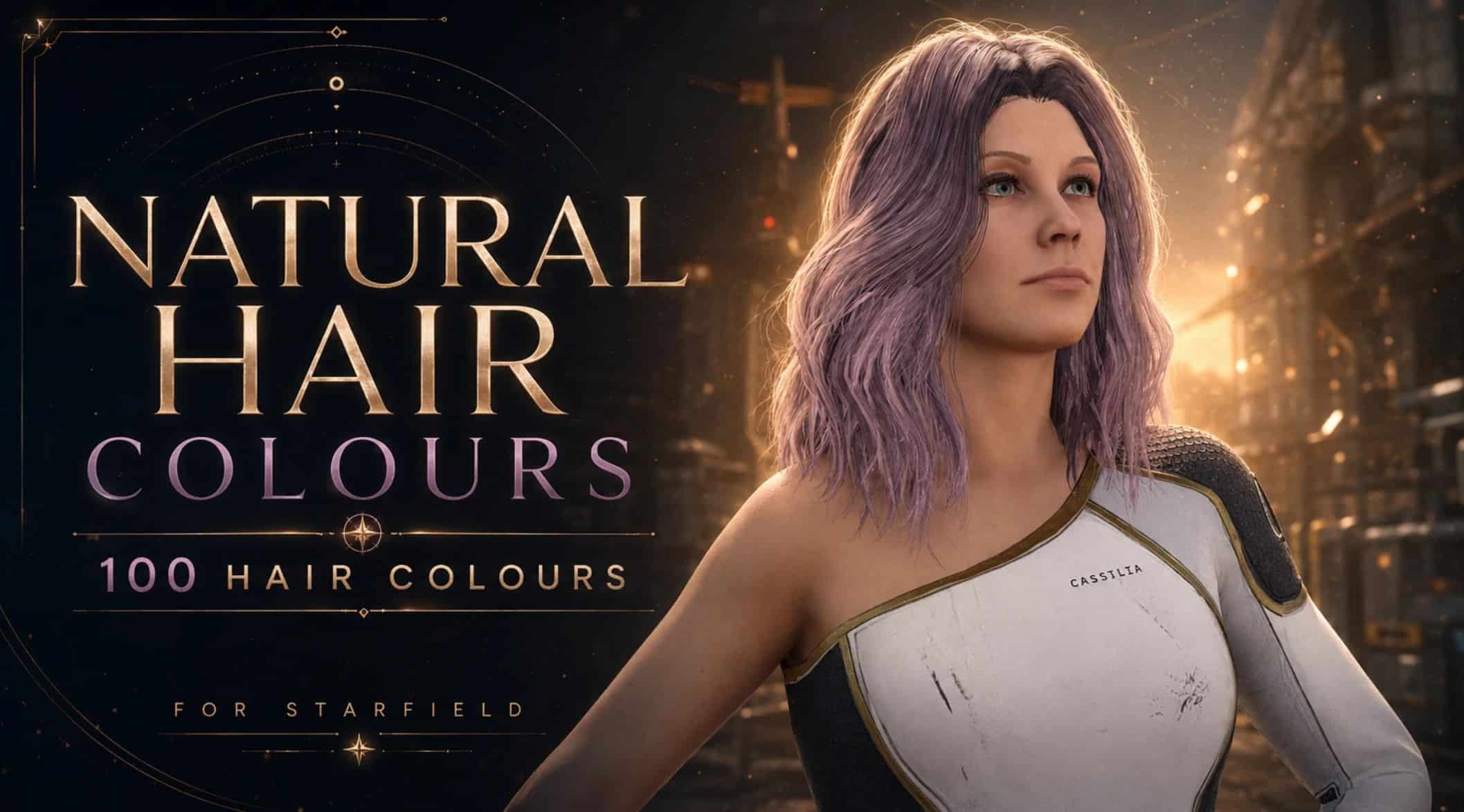
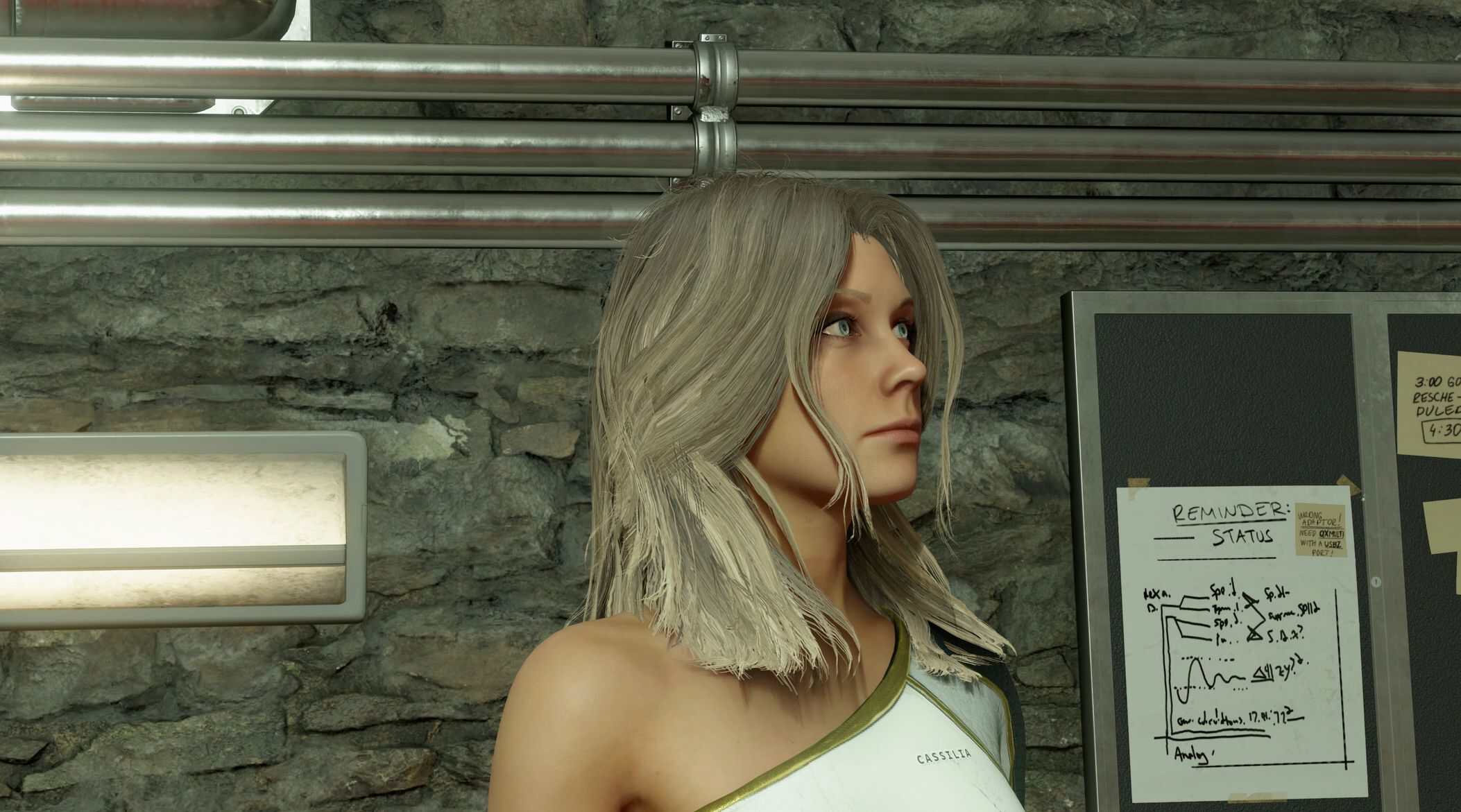
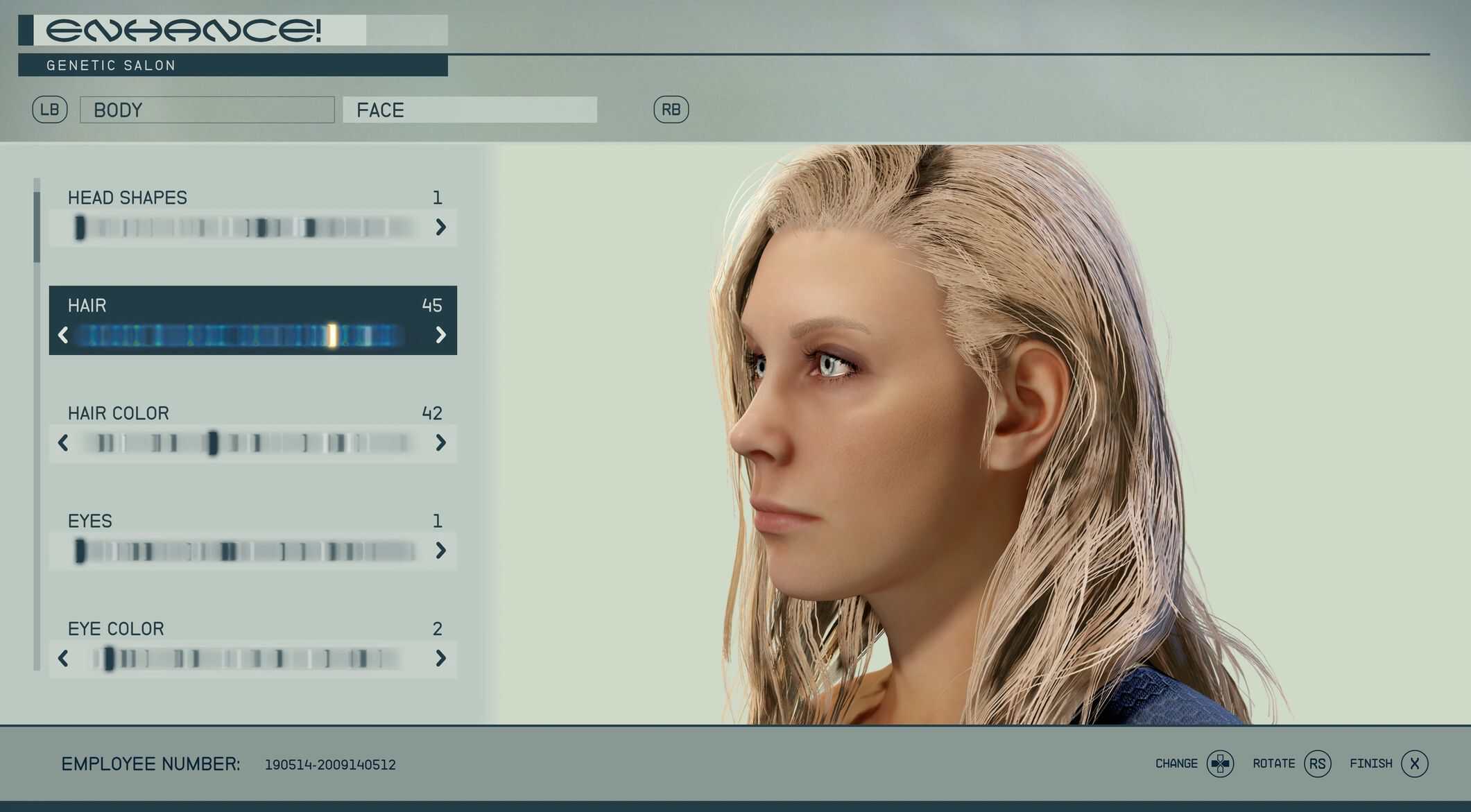
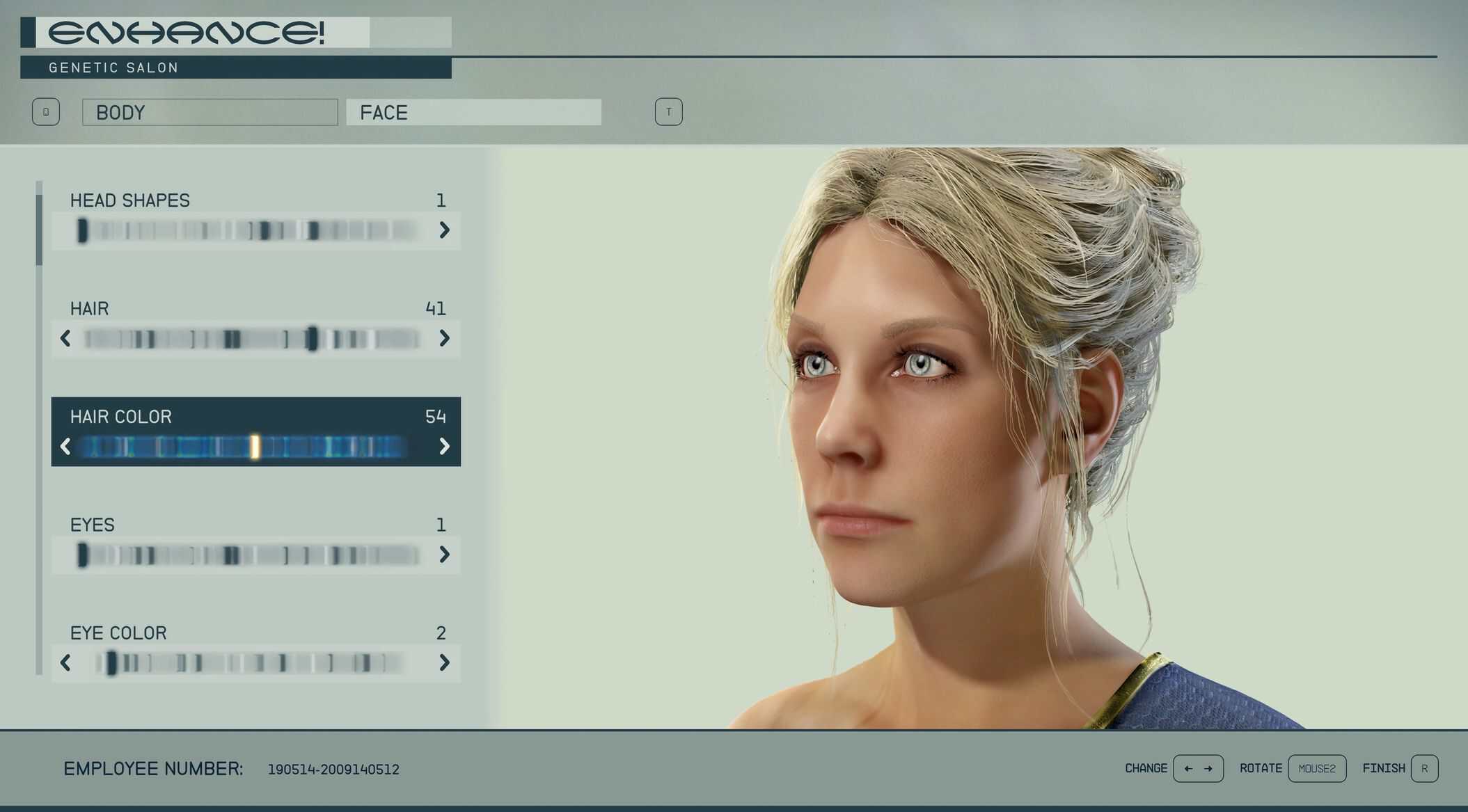
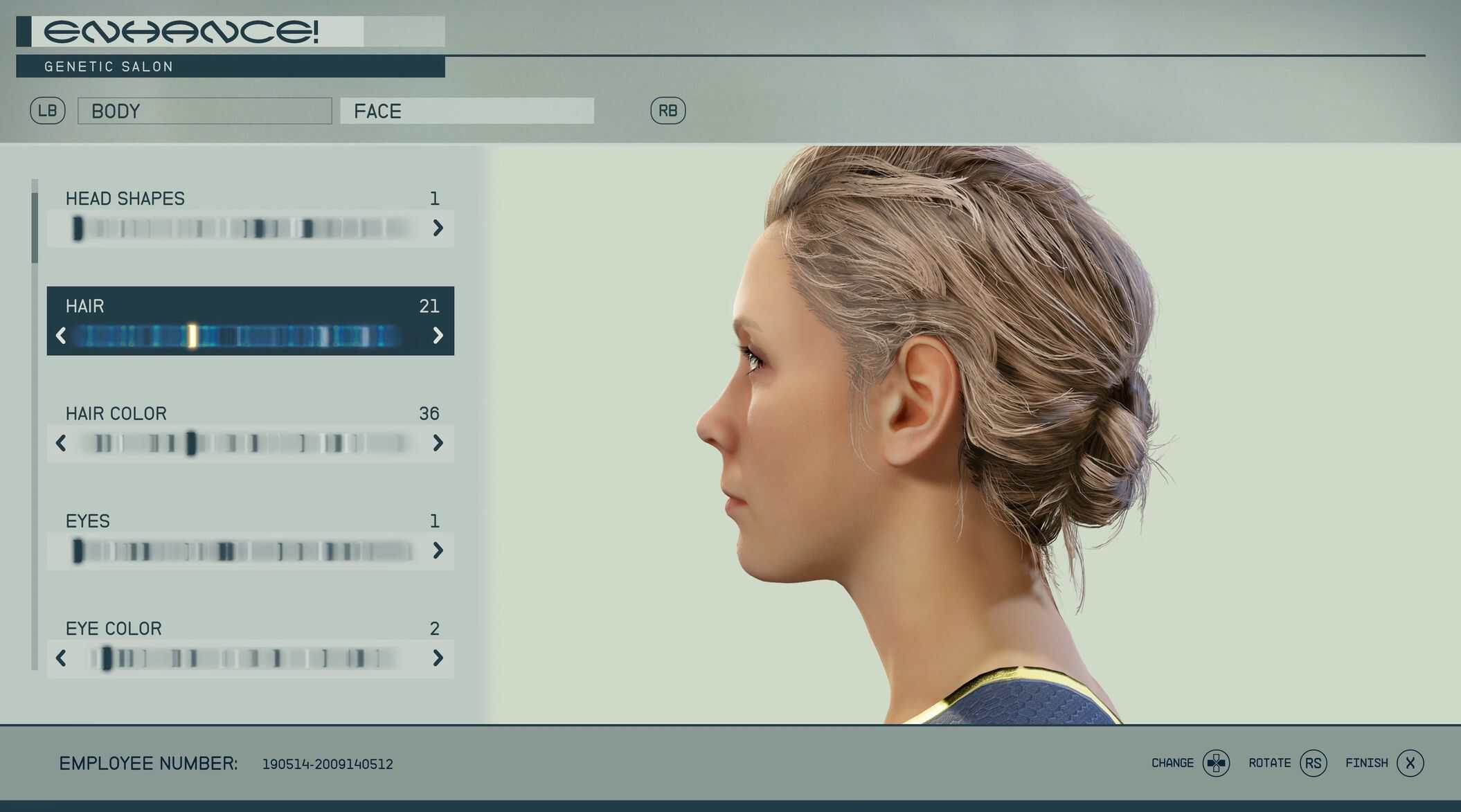
Starfield ships 23 hair colours, several of them neon violet, teal and aqua-purple. This mod adds 77 new ones — real-world shades across every category, including two-tone shades with darker roots.
23 → 100 hair colours — and NPCs finally look normal.
Starfield ships 23 hair colours, several of them neon violet, teal and aqua-purple. This mod adds 80 new ones — real-world shades across every category, including two-tone shades with darker roots.
Nothing vanilla is replaced. Your NPCs are untouched. More on that below, because it matters.
Missing a shade? There is a colour picker in the optional files — propose one and it gets added.
v1.1 — now it fixes NPCs too
– Starfield gives background NPCs a separate pool of only 14 colours, nothing to do with the character creator’s 23. This release rebuilds that pool, so the world stops looking like the same fourteen heads over and over.
– Background NPCs now draw from 47 colours instead of 14 — real variety in a crowd.
– Curated, not just bigger. NPCs are assigned a colour at random, with no regard for age or skin tone, so anything that reads oddly on a stranger is held back: stark whites, vivid gingers, off-hue shades, every two-tone. Greys stay — grey hair on a random adult is believable, bleached white is not.
– Vanilla’s garish slots are fixed. Yellow is RGB(241,131,21) — traffic-cone orange. Along with Flame, Violet, TealBlonde, Amber, Copper and Ruby it is recoloured to a natural hue at identical lightness — nobody changes brightness, the neon just goes.
– Black hair no longer looks wet. Vanilla’s dark slots render as varnish under the game’s lighting. They are now properly matte — and roughness is only ever raised, never lowered, so nothing becomes glossier than vanilla.
No NPC record is edited. Named characters keep exactly the appearance Bethesda gave them; only what the shared colour slots look like changes.
What you get
– 7 blacks — Natural, Jet, Blue, Brown, Soft, Espresso, Charcoal
– 5 dark browns — Dark Chocolate, Bitter Cocoa, Dark Walnut, Dark Espresso, Cool Dark Brown
– 7 browns — Chestnut, Golden, Caramel, Ash, Mushroom, Chocolate, Cinnamon
– 6 light browns / bronde — Toffee, Honey Brown, Bronde, Mousy, Sand Brown, Light Ash
– 6 dark blondes — Dark Ash, Medium Ash, Beige Dark, Golden Dark, Wheat, Bronze
– 7 blondes — Beige, Champagne, Ash, Bleached, Old Hollywood, Cream, Buttermilk
– 5 platinum / white — Pearl, Icy Platinum, Snow White, Pale Ash, Vanilla Cream
– 14 reds, gingers and coppers — Bright Ginger, Classic Ginger, Fire Red, True Red, Copper Penny, Burnt Copper, Auburn Red, Deep Auburn, Rust, Mahogany, Cherry Mocha, Strawberry Blonde, Rose Auburn, Whiskey Copper
– 6 greys and silvers — Natural, Steel, Silver, Warm Silver, White Grey, Gunmetal
– 3 pinks — Cotton Candy, Bubblegum Pink, Magenta Rose (player-only; NPCs never get these)
– 14 two-tone / ombré — Rooted Blonde, Ombré Caramel, Balayage Honey, Smoky Bronde, Mocha Melt, Rooted Platinum, Silver Ombré, Midnight Silver, Ash Ombré, Copper Ombré, Sunset Ginger, Cherry Ombré, Rose Ombré, Wine Melt
Blacks are separated by undertone rather than lightness — at that darkness it is the only axis with any room, and it is how real black hair actually varies.
The two-tone shades hold a dark root and melt into the length. On beards and eyebrows that gradient is deliberately reduced, since a full root-to-tip melt only makes sense over the length of real hair.
Your NPCs are not touched
Worth stating plainly, because it is easy to get wrong.
Starfield’s 23 colour slots are shared between the character creator and every NPC in the game. Repainting them restyles thousands of NPCs — dark-haired characters turn up blond, and named companions stop looking like themselves.
This mod never modifies those 23. They are byte-identical to vanilla across all 34 records the game keys off that colour list. Every new colour is appended after them, and no vanilla NPC can reference a name that did not exist.
Sarah Morgan looks exactly as Bethesda shipped her.
Suggest a colour — and I will add it
– This set is meant to grow. If a shade you want is missing, there is a tool in the optional files to propose one: hair_colour_picker.html.
It is a single file. Download it, open it in any browser — nothing to install, no internet needed.
– Pick a colour and see it rendered on real hair, using the same maths the mod’s textures are built with.
– It measures your shade against all 77 already in the set and tells you if it is too close to something that exists — no point adding a colour nobody can tell apart.
– It checks the shade is actually a hair colour. Purples, blues and greens get rejected: this is a natural-colour set, and that is the whole point of it.
– It works out the category for you, and shows what the finished texture will really average — the hex you choose is the middle of the shade’s range, so the built result always reads a little deeper.
When it says ACCEPT, it gives you a line like this:
(“Autumn Rust”, “autumn_rust”, “#A8532A”), # Red / ginger / copper
Post that line in the comments. That is all I need — it goes straight into the palette.
Two-tone shades work too: tick the box and it emits a second hex for the roots.
Please give your colour a name. The tool defaults to “My Shade”, and if everyone leaves it that way the suggestions collide with each other.
Installation
Mod manager, or copy Data into your Starfield folder and add to %LOCALAPPDATA%\Starfield\Plugins.txt:
*FieldOS_NaturalHair.esm
Fully restart the game rather than loading a save — loose textures are only read at startup.
Change colour at any Enhance! clinic or in the character creator.
Uninstalling
Set your character back to one of vanilla’s 23 colours first, at an Enhance! clinic. A save referencing an added colour will not find it once the plugin is gone. Then remove the plugin, its Plugins.txt line, and the three texture folders.
Compatibility
– No script extender. No dependencies. One ESM plus loose textures.
– Safe alongside hairstyle and hair mesh mods — this changes colour, not geometry.
– Skin, face and body mods are unaffected.
– Conflicts only with mods editing the same hair-colour records (SimpleGroup_Hair_*, SimpleGroup_Eyebrows_*, SimpleGroup_FacialHair_Shared, Modulation_Hair*, Modulation_BeardFollicleMask).
Technical notes
Textures are BC1_UNORM_SRGB at vanilla resolution (eyebrows at 512 — they are around 100 px on screen). Colour is applied as one texture per style per colour, which is why the download is the size it is: 100 colours across 21 sheets.
Per-lock tone and warm/cool variation is baked from the game’s own clump ID mask, so strands within a lock vary the way real hair does instead of sharing one flat tone.