Formless Shipyards v1.02
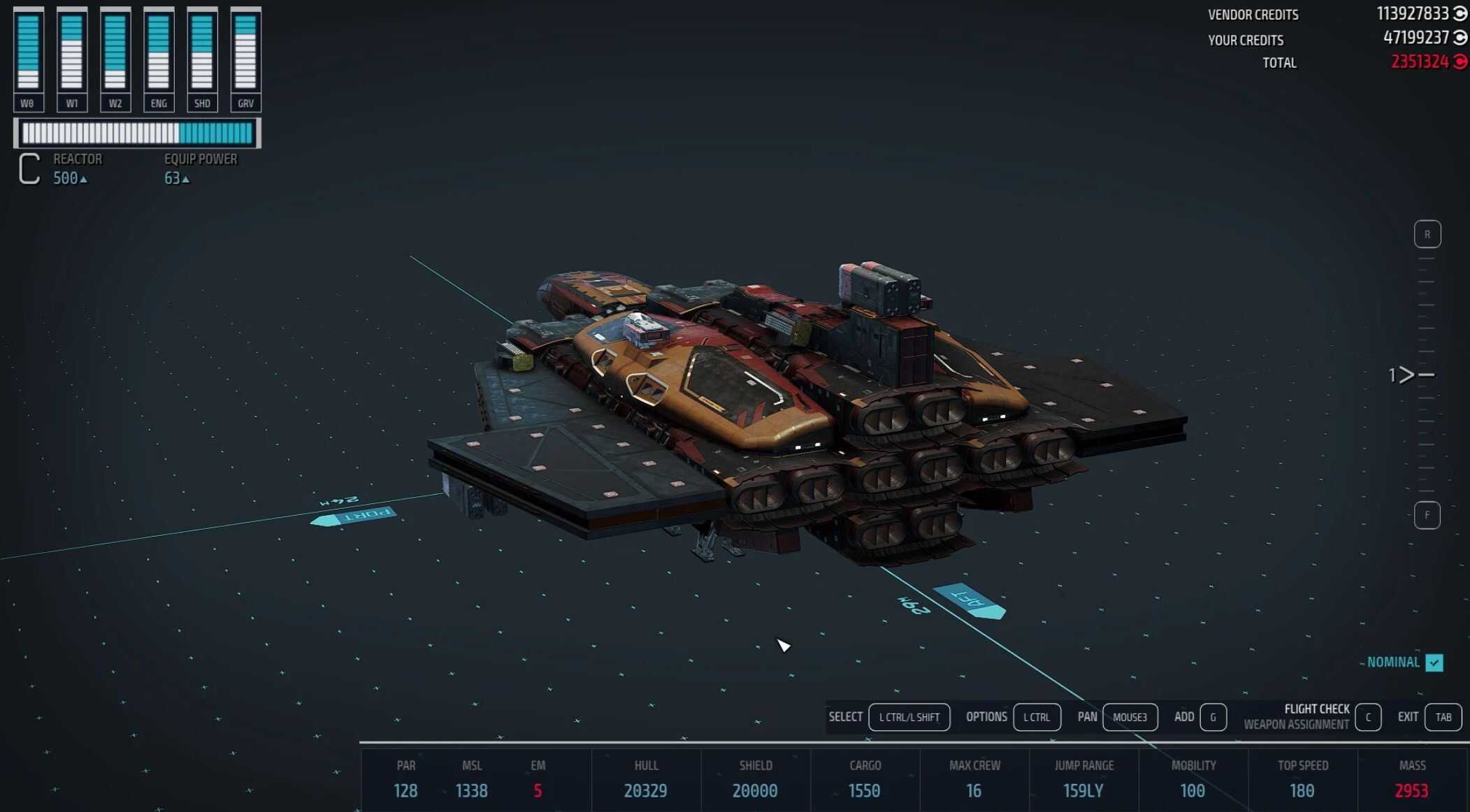
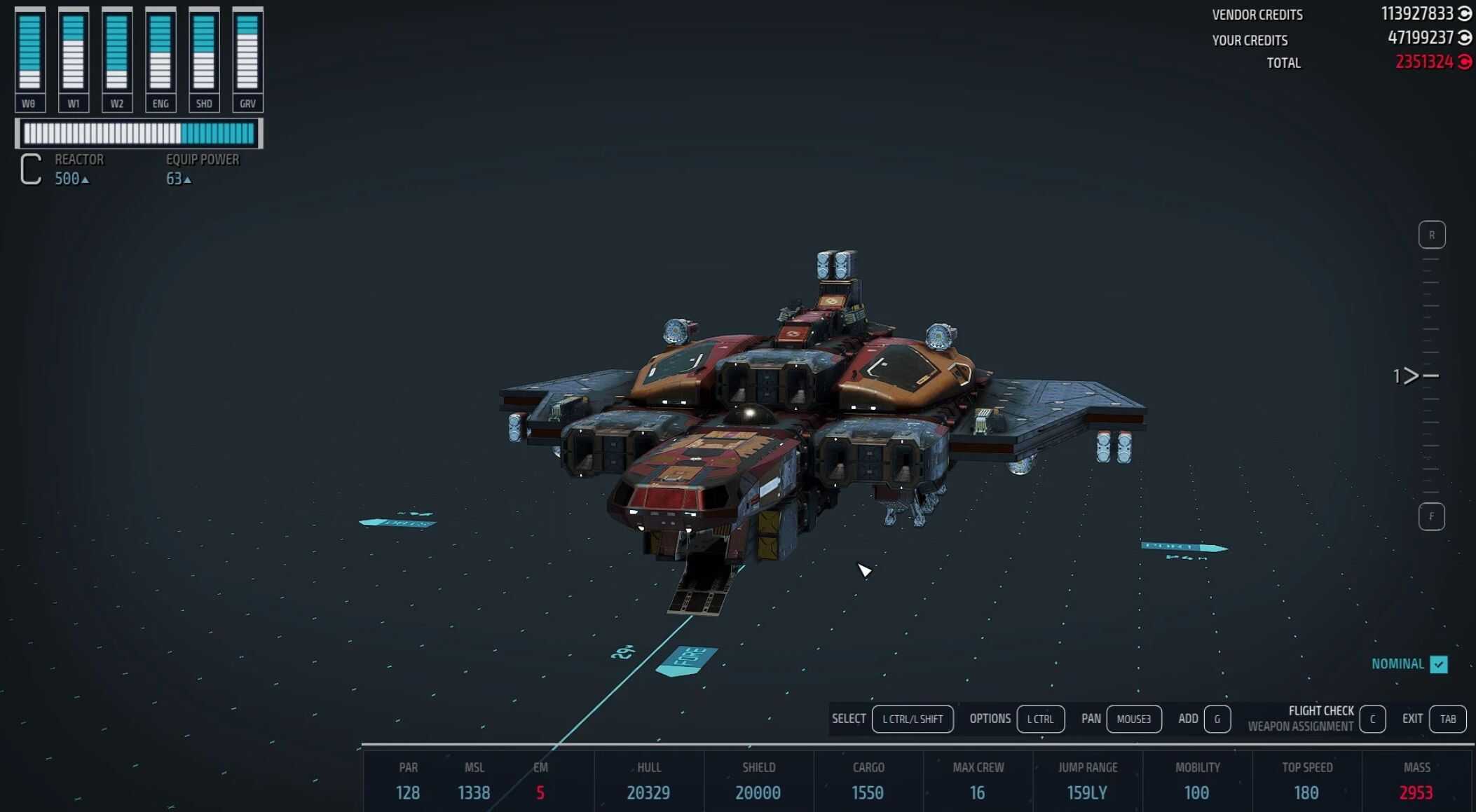
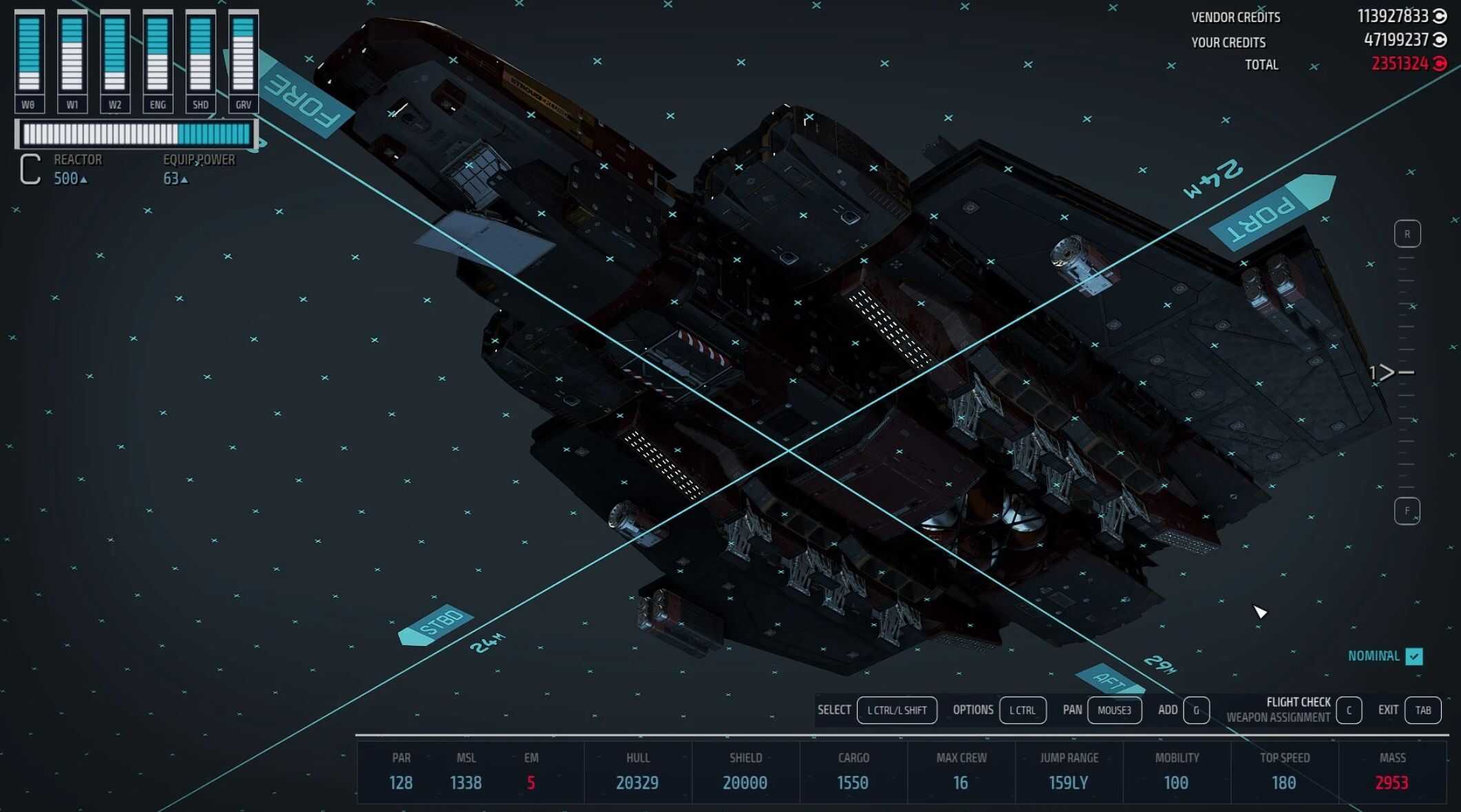
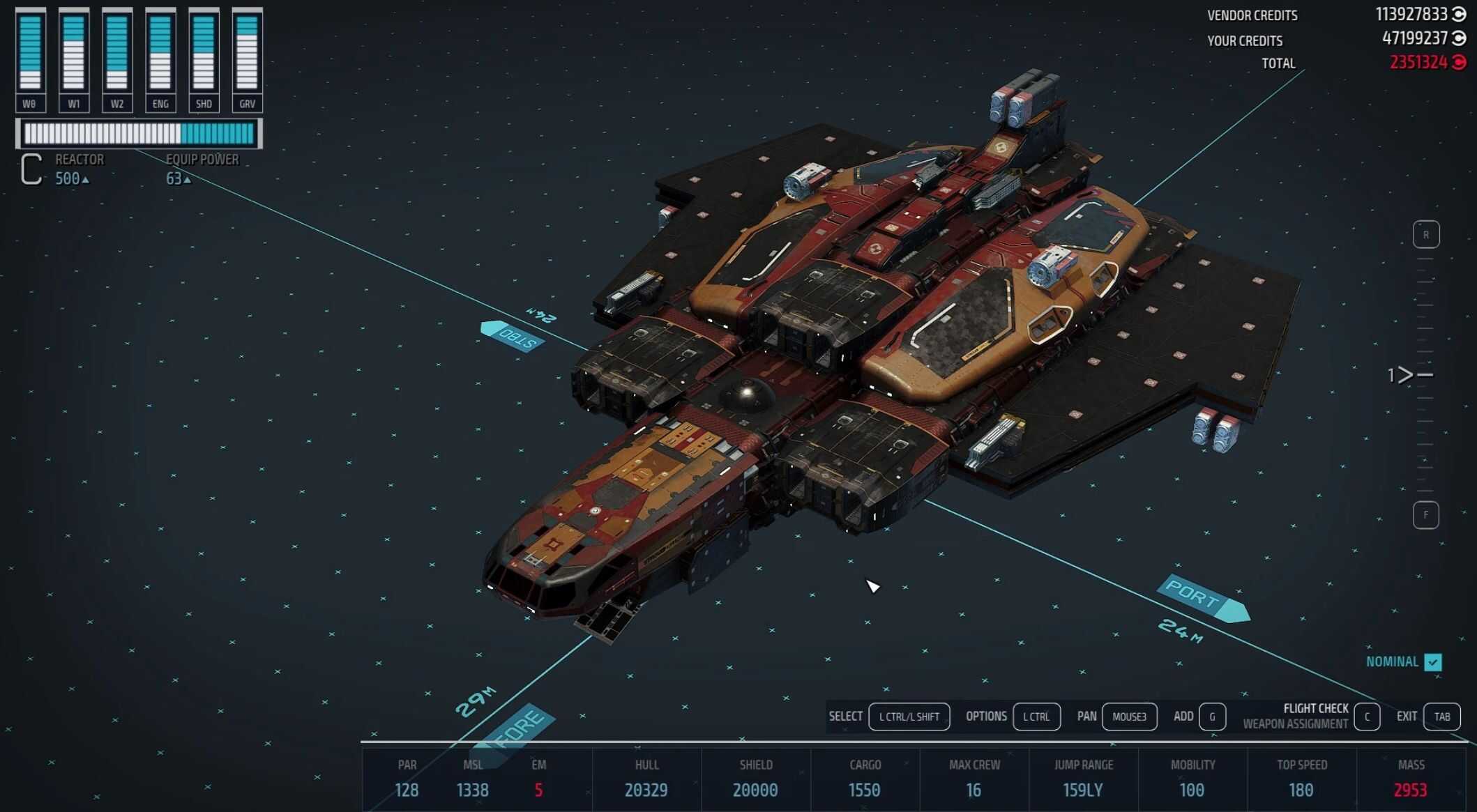
A simple cheat mod adding 36 ship systems to Starfield, designed to allow the creation of over-powered but small ships should you want to keep things compact. The primary application this was designed for is to create small fighters for your fleet in the Watchtower mod, but the uses of these systems is endless. This mod replaces no assets.
The Low-Down
I decided to start my modding journey, or more of a return to modding after over 15 years, with something simple that some players may enjoy. When playing Starfield in a heavily-modded setup, almost inevitably many of us wind up with mods that increase the number of systems we can place. This mod reduces the number of systems you need to place to still get over-powered benefits.
This mod does not replace any assets, but adds new systems to the game, so it won’t interfere with other mods.
As of March 14th, version 1.0 has been released. More work to go on this mod… more to add, and some improvements to come.
Included Systems
All systems can be acquired once you reach level 2, with no other requirements than your Piloting license.
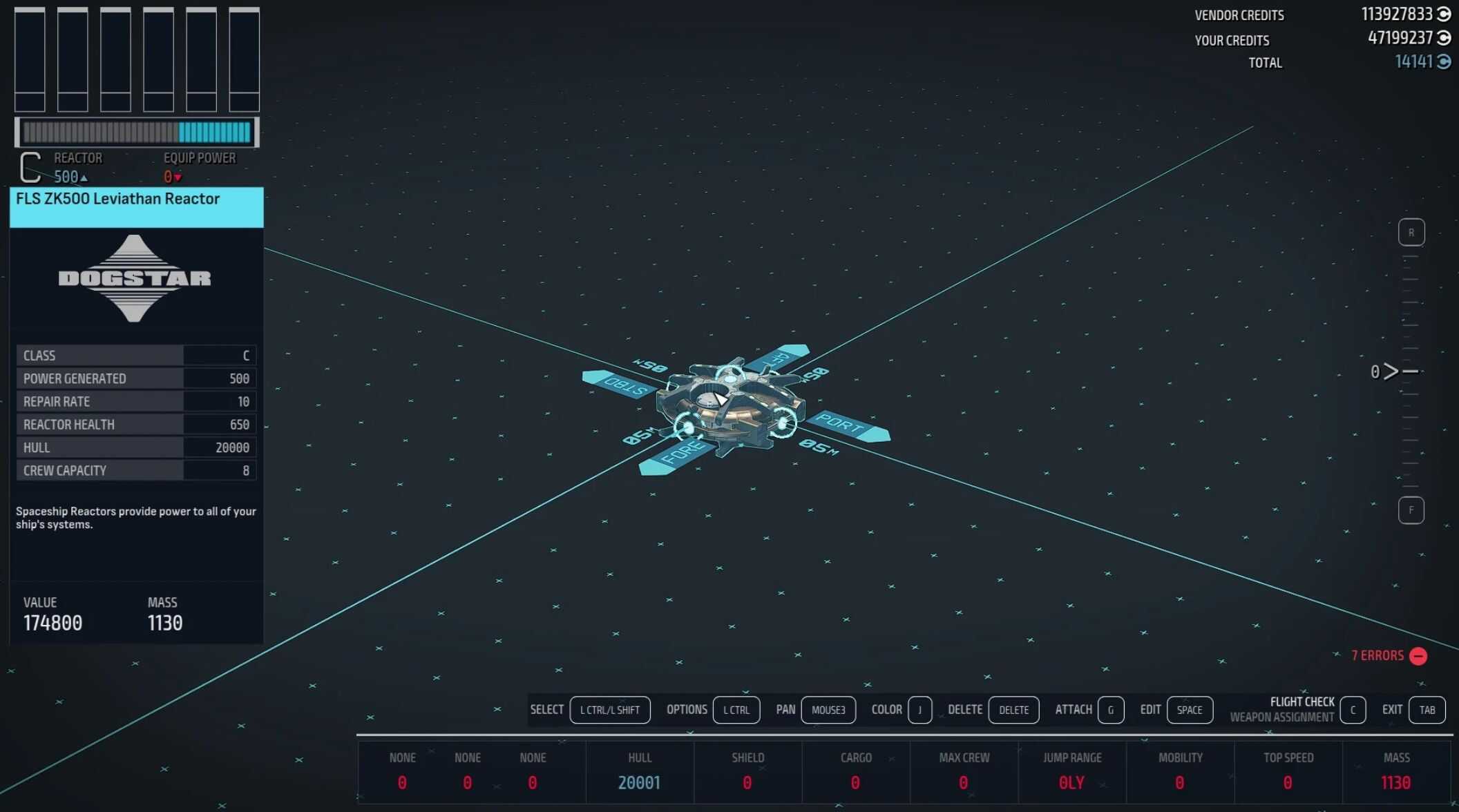
Here are the primary stats on current systems in this mod:
– 3 A-Class reactors with 3,500 to 10,000 hull and 120 to 300 power
– 3 B-Class reactors with 5,000 to 15,000 hull and 150 to 400 power
– 3 C-Class reactors with 7,000 to 20,000 hull and 200 to 500 power
– 3 A-Class shields with 3,500 to 10,000 hit points and 10% recharge
– 3 B-Class shields with 5,000 to 15,000 hit points and 12% recharge
– 3 C-Class shields with 7,000 to 20,000 hit points and 15% recharge (3x the speed of vanilla C-Class shields)
– 3 A-Class, 3 B-Class, and 3 C-Class grav drives, the tier 3 versions of each class having enough jump range to cross the galaxy
– 3 A-Class, 3 B-Class, and 3 C-Class engines with a small increase over vanilla A-Class engines in overall speed, plus plenty of maneuverability
Where To Get The New Modules
These systems can be purchased from various vendors, or all of them from an Outpost Shipbuilder. The systems should appear at the top of the list for each system, labelled with the letters “FLS”.
Ongoing Development
I plan to continually work on this mod. In the future, I plan to create some large All-In-One Hab modules to provide your average Galactic Conqueror with all the amenities they need to sleep, craft, store, and decorate to their own tastes.
Installation
Automatic: Use the mod manager of your choosing for the simple solution. Load order location should not be important.
Manual: Download the .zip file and copy the .esm file contained in the archive to your Starfield\Data\ folder. Ensure you enable the mod in the Creation Club in-game if you are not using a mod manager. Again, load order should be unimportant.
Critical If Updating From Version 0.002
If you are updating from version 0.002 to the newest version, follow these instructions. I’ve corrected a naming issue that will prevent this from happening again. My apologies for this problem. This will only affect a handful of players who downloaded version 0.002 before I corrected the problem.
– Install the most recent version, but do NOT uninstall the old version yet
– Load your recent save
– Go to an Outpost Landing Pad with Shipbuilder
– Replace any systems you installed on any of your ships from version 0.002 with the newer systems. The newer systems will have a black icon and the letters FLS on it if you are using StarUI Shipbuilder. If not using StarUI, you could replace all this mod’s systems with cheap vanilla systems temporarily until you’ve uninstalled version 0.002
– Save your game and exit
– Uninstall version 0.002 using your mod manager, or by removing FormlessShipyards_0_002.esm from your Starfield\Data folder if you installed manually