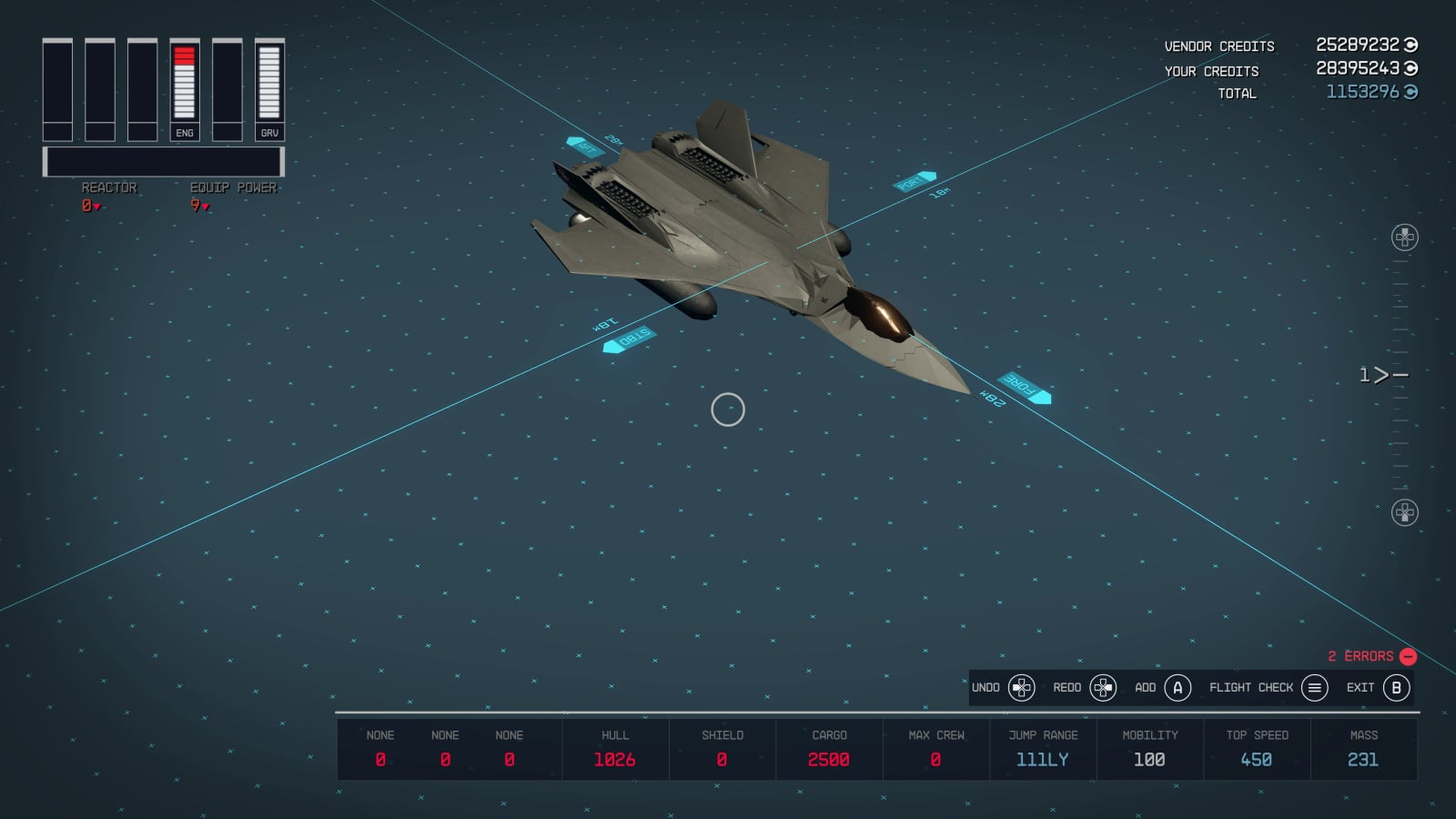
Matilija’s Aerospace v9.5
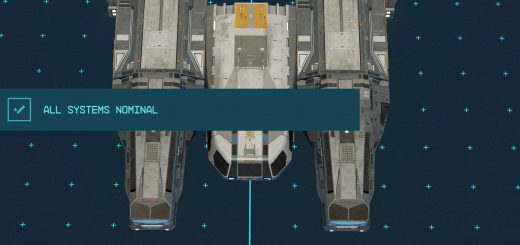
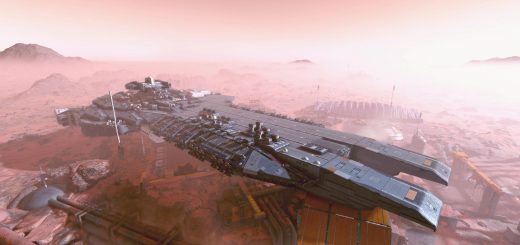
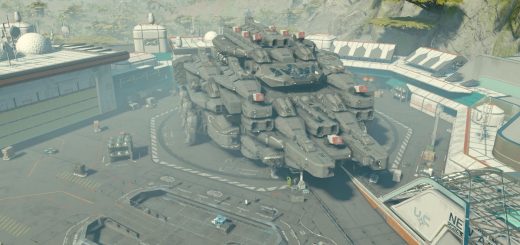
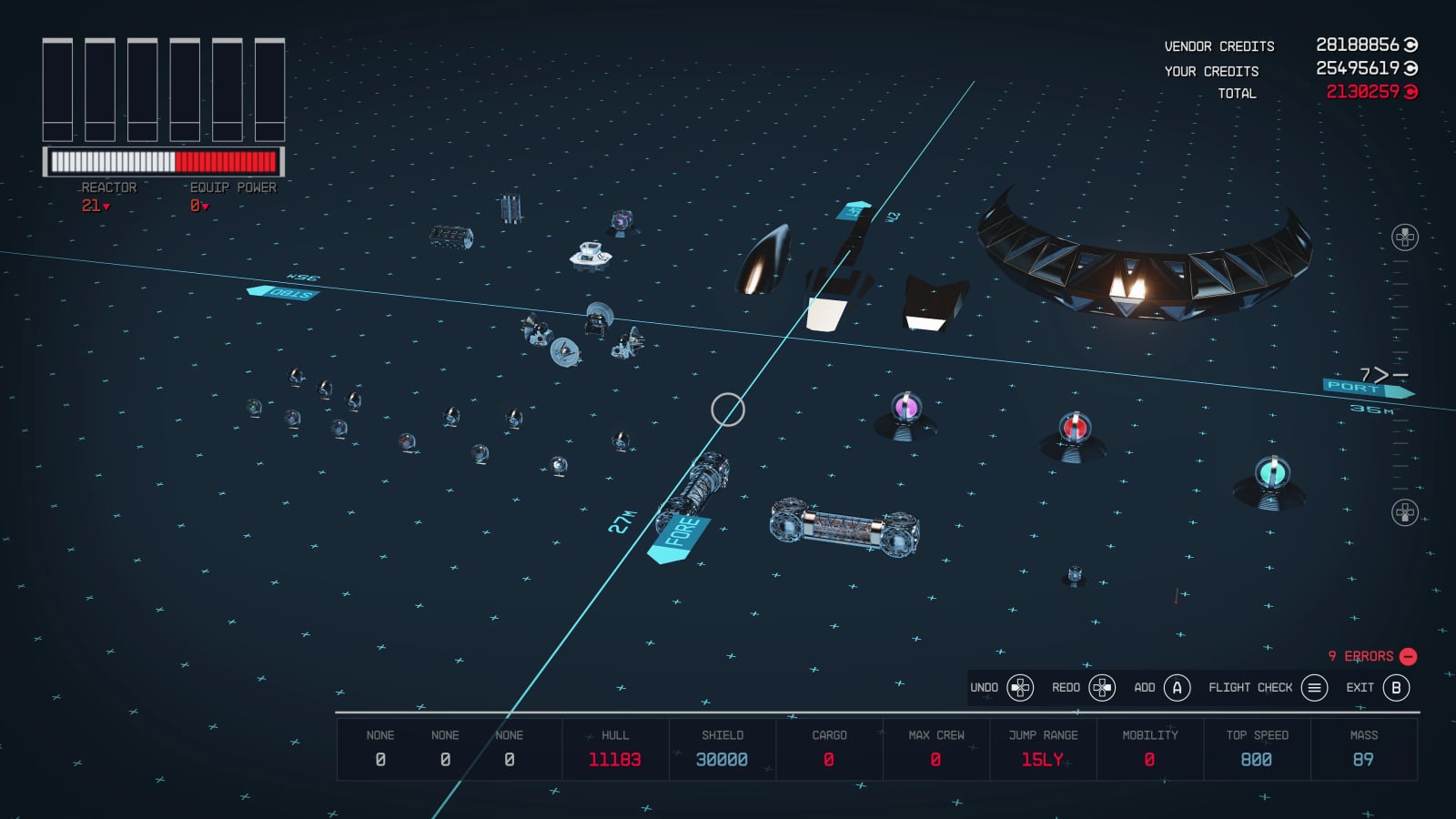
Matilija’s Aerospace is a ship manufacturer offering greater choice in ship customization in the Settled Systems.
Features
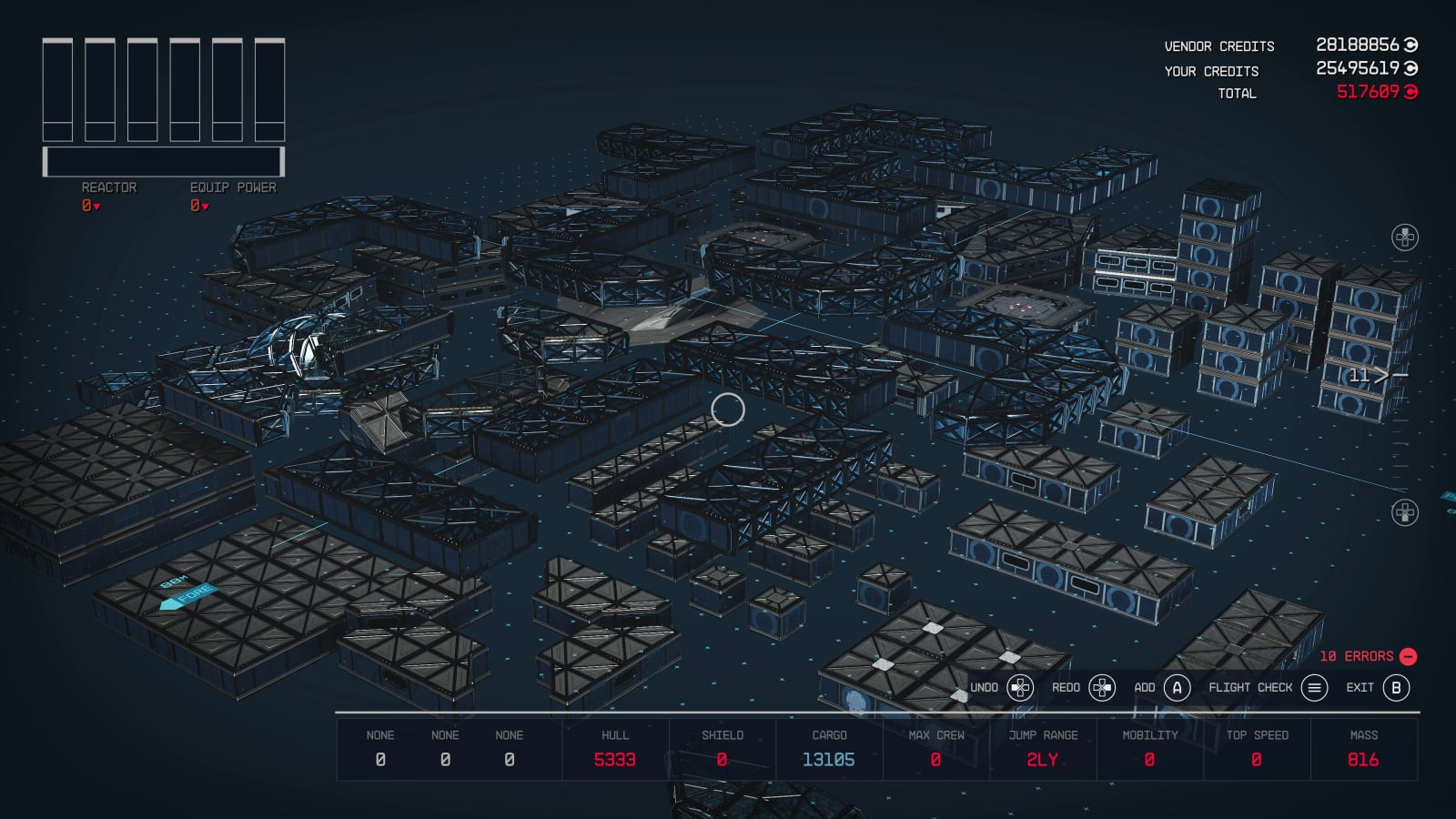
- Cockpits initially designed by DerreTech, then re-engineered and outfitted to increase protection for crews during hostile encounters.
- Stairwells initially designed by DerreTech, then redesigned to better facilitate internal ship navigation.
- Reactor Habs initially designed by DerreTech, then re-engineered to provide maximum power generation and protection during hostile ship encounters.
- V-Habs similar to DerreTech’s Y-Sym, designed to interlock when facing reverse directions parallel to each other for a relatively seamless exterior look.
- Observation Platforms similar to the original DerreTech observation decks, with different design philosophies and improved lighting.
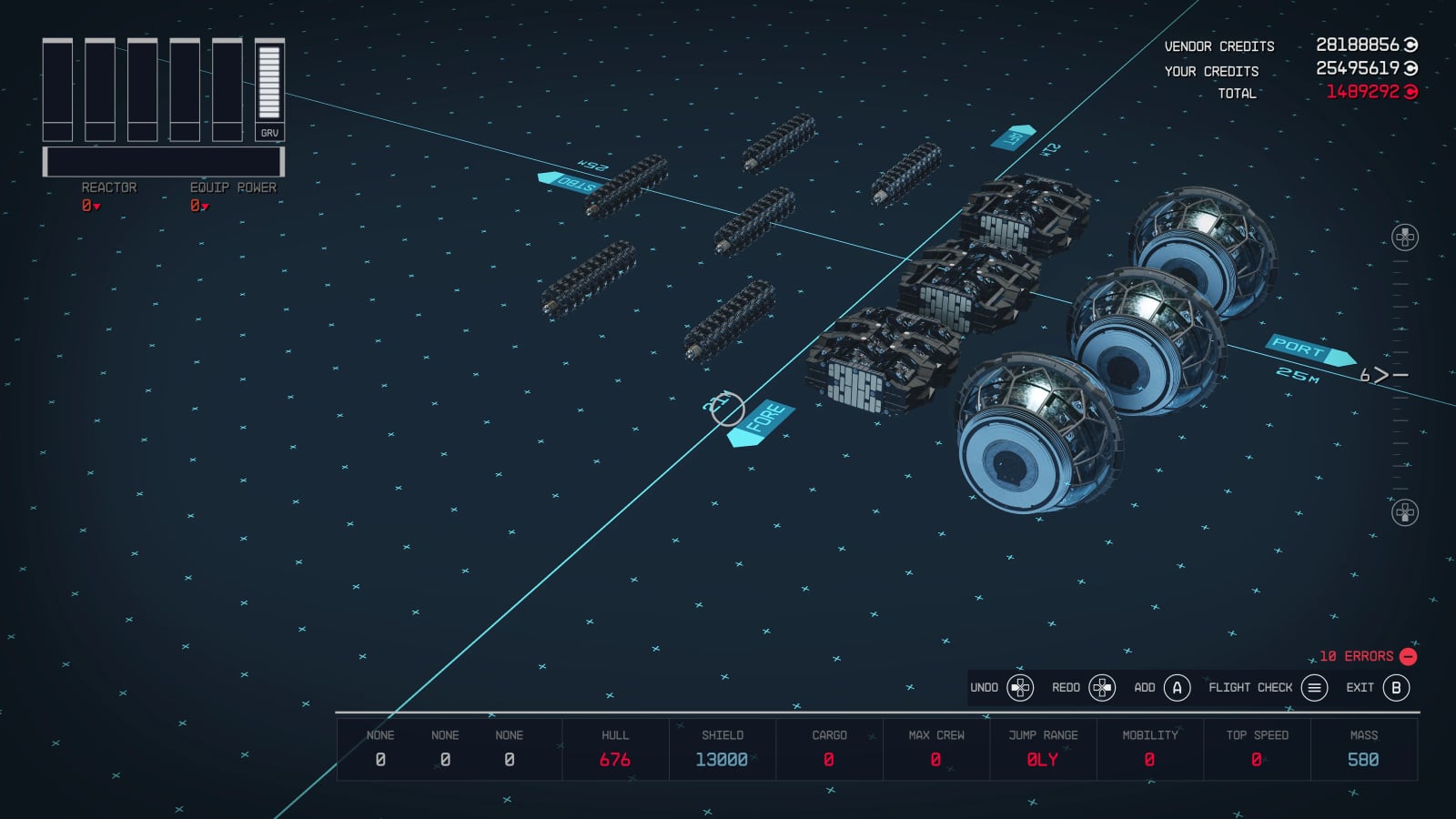
- Engines initially designed by DerreTech, then re-engineered for better protection from hostile fire and maximum thrust for cargo haulers and cruisers.
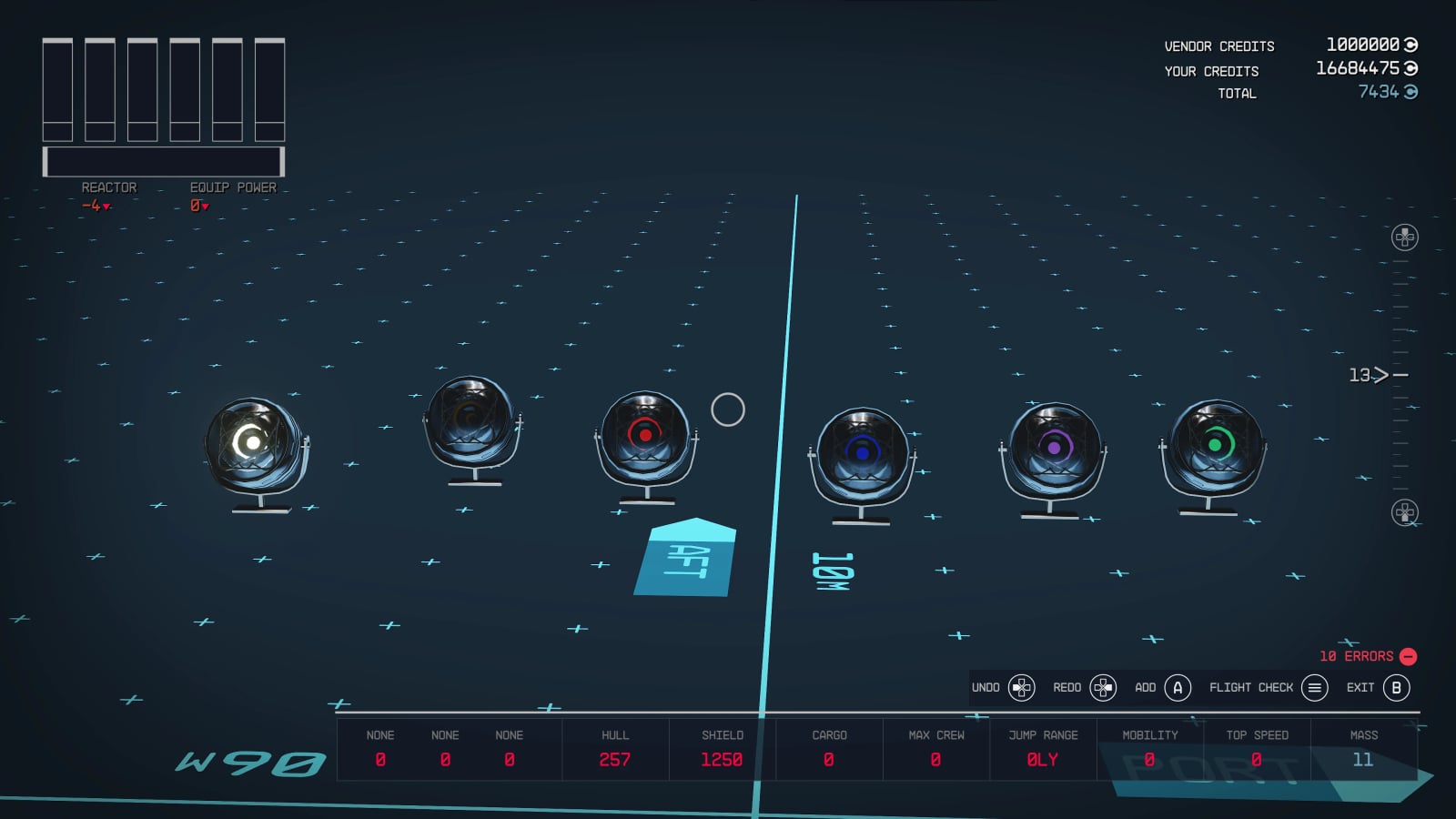
- Grav Drives offering boost to reach star systems.
- Radar designed to facilitate better security for you and your cargo.
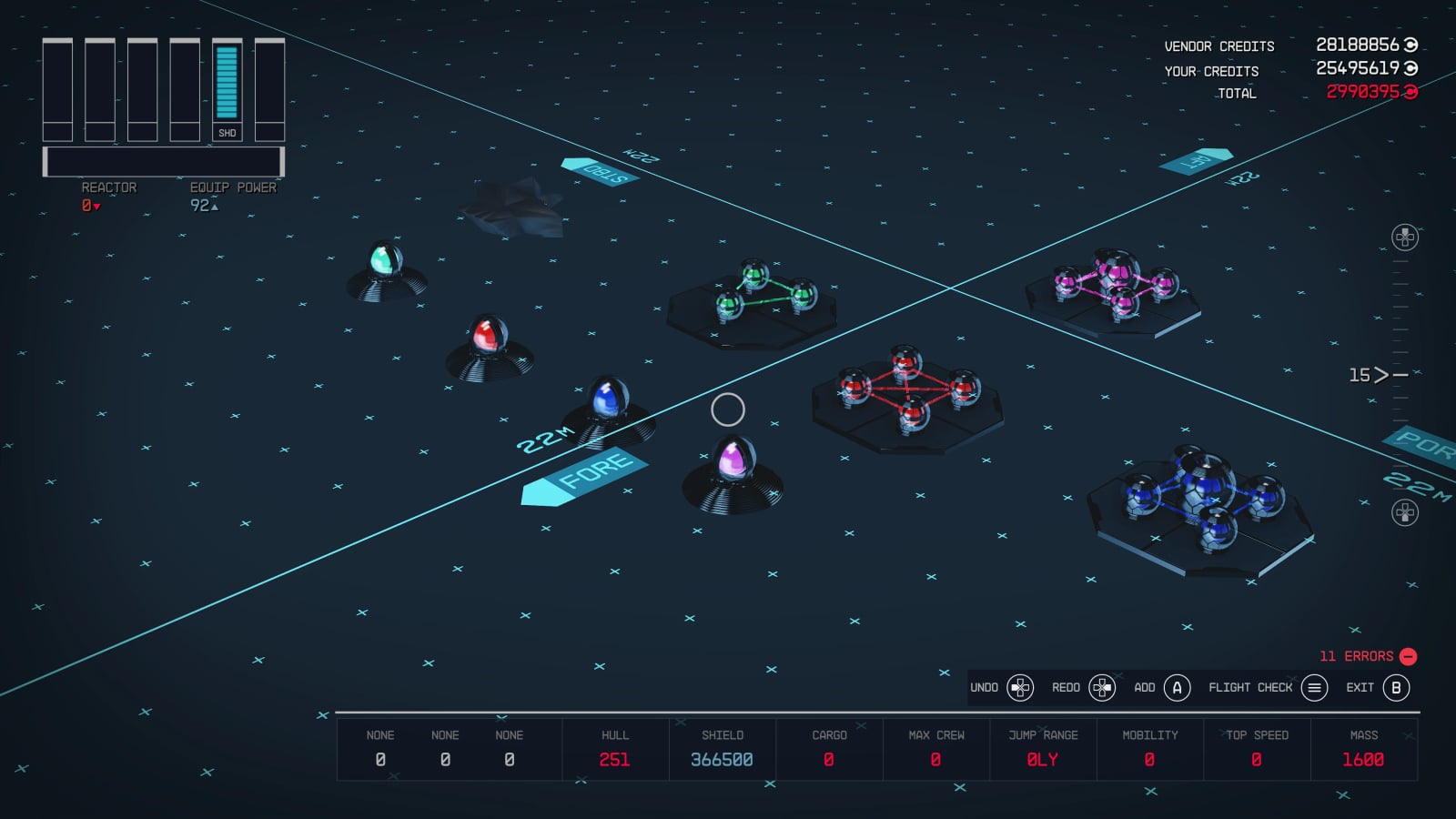
- Shields and supplemental shield boosters engineered for defensive-minded pilots.
- Landing Bays engineered to provide secure hatch seals and protection from breaches when landed in hostile environments.
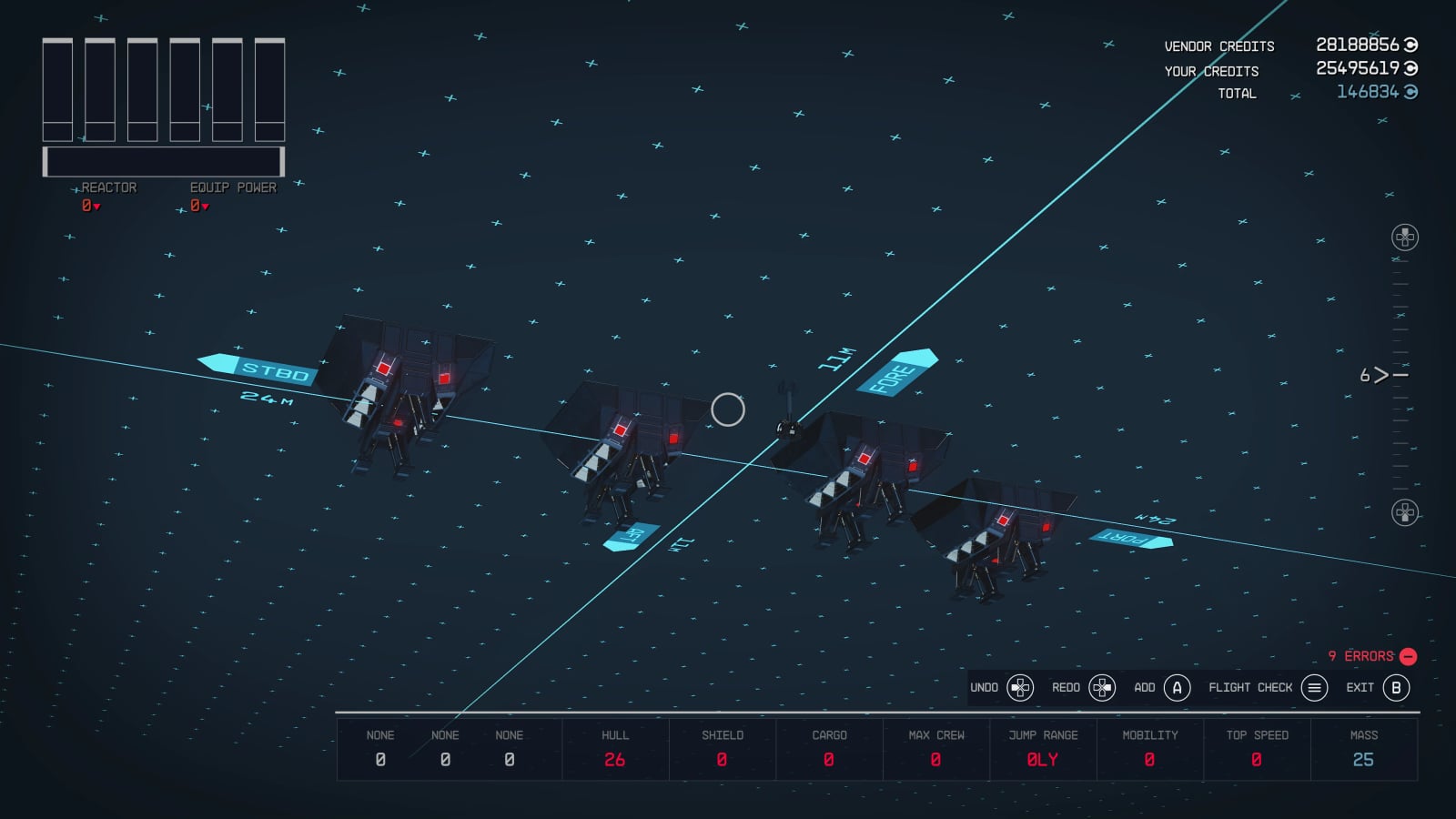
- Landing Gear engineered to support large and heavy ships.
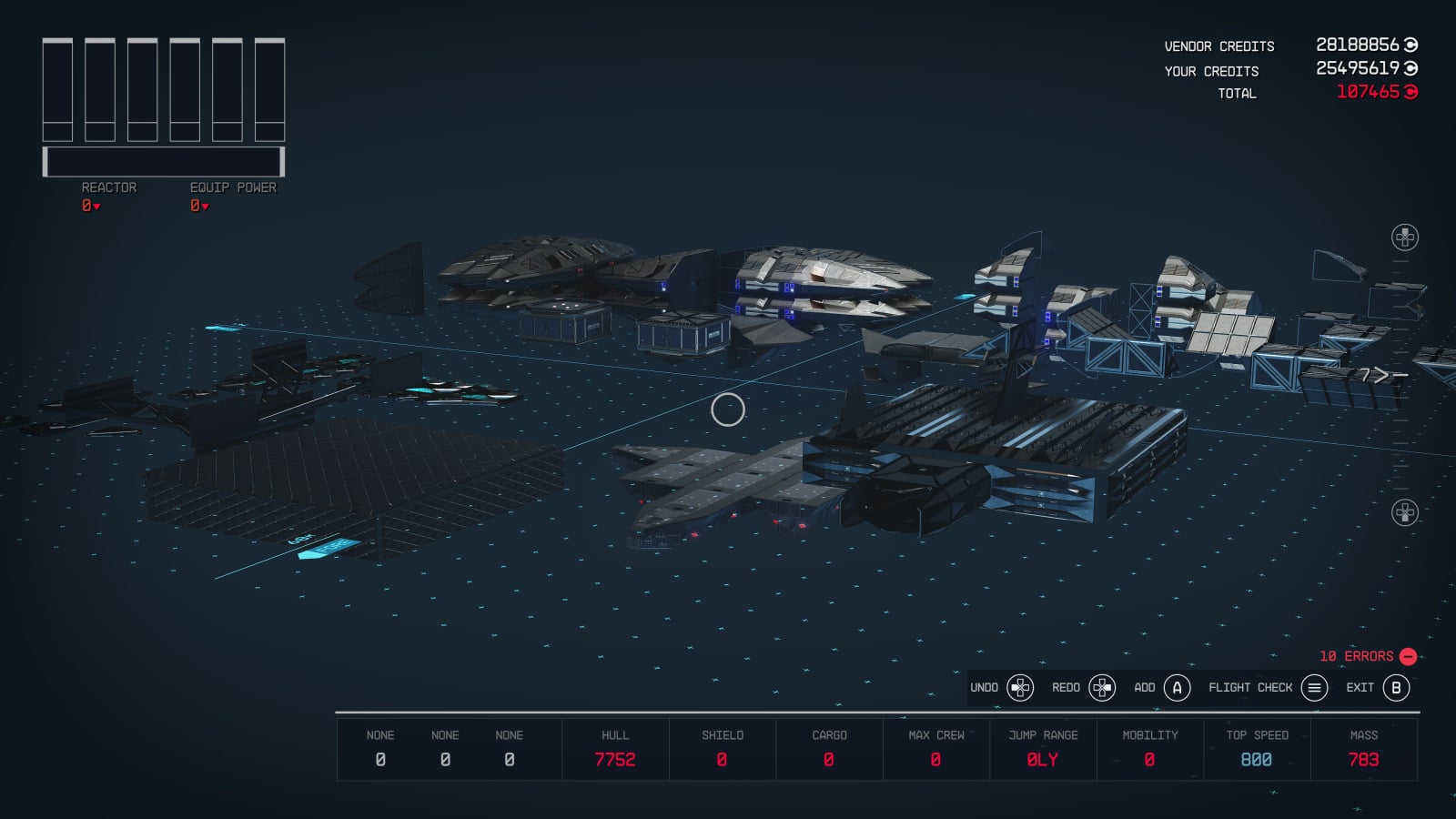
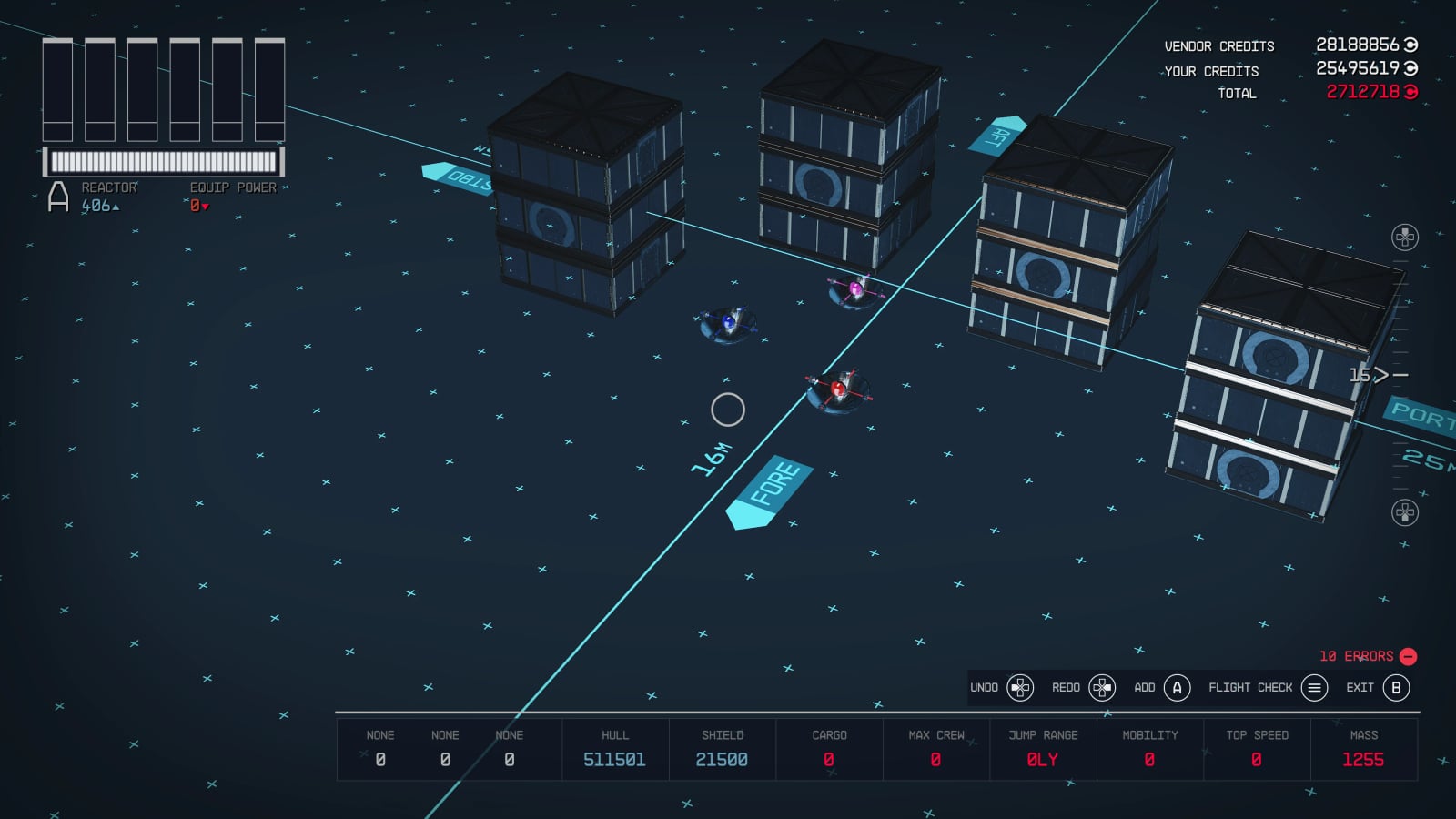
- Structural Components engineered to provide armor plating and cosmetic options.
- Cargo Bays with open cargo bays, attachable seals, expandable storage, cargo lift platforms and automatic cargo lifts. The automatic cargo lifts are visual only, do not add cargo to your ship, and provide capacity.
- ShipBoard Lighting designed to allow easier ship maintenance in dark environments.
- Weapons including rapid-firing weapons, cannons, laser and Particle cannons, and Stealth Missile Bays.
- Battle Stations with Aft, Port and Stbd versions and attachable central weapon platforms.
Known issues
There is a minor conflict with this mod and Apogee that can cause ships not to fly. Place this mod before or higher in your load order than Apogee to avoid the issue.
When updating from one version to another, keep your files safe. Either wait for Unity to update the mod, start a new game, or at the very least remove all active mod assets from your current game before updating. This means having no MA parts on your ships before updating.
Installation
If manually installing, install the Data Folder in C:DocumentsMy GamesStarfield.
Install MatilijasAerospace.esm in your main game Data directory.
If using Vortex, the mod is packaged the same way as the author’s previous mod, so it should work if DerreTech Expanded worked.
MO2 should handle installation without any issues.
No matter how you install, add these lines to your StarfieldCustom.ini file located in C:DocumentsMy GamesStarfield.
If you do not have that file there, create a new text document, rename it to StarfieldCustom.ini, and add these lines:
bInvalidateOlderFiles=1
sResourceDataDirsFinal=
The following line is also recommended to ensure your ship parts can snap without too many issues:
fShipBuilderModuleOverlapTolerance=-2.0000
The author highly recommends something like Plugins.txt enabler to handle mod load orders. This mod requires SFSE, and its installation instructions are on its page.
You can also use the stestfile method in your StarfieldCustom.ini file located in C:DocumentsMy GamesStarfield, though this is not advised because it has been known to cause issues.
For those using Plugins.txt enabler, add this line to your plugins.txt file, located in C:Users(Your account)App DataLocalStarfield:
*MatilijasAerospace.esm
If the file is not there, create a text file named Plugins.txt, open it, add *MatilijasAerospace.esm, and save it.
Compatibility
For modders, starting in V1.1, all form ID’s are going to start with 0.004 to try to ensure there are no conflicts with other mods. If this causes a conflict, let the author know so the mod can be updated accordingly.
Important notes
Modding your game is always a risk/reward prospect. If you do not know what you are doing, or if the mod is faulty, it can potentially harm your game or damage your save files.
To avoid issues when removing mods, make sure that anything added to the game by the mod is not on any of your existing playthrough’s ships or characters, or in any of your outposts. Then save the game, remove the mod, load your save, and save again to remove any remnants of the mod.